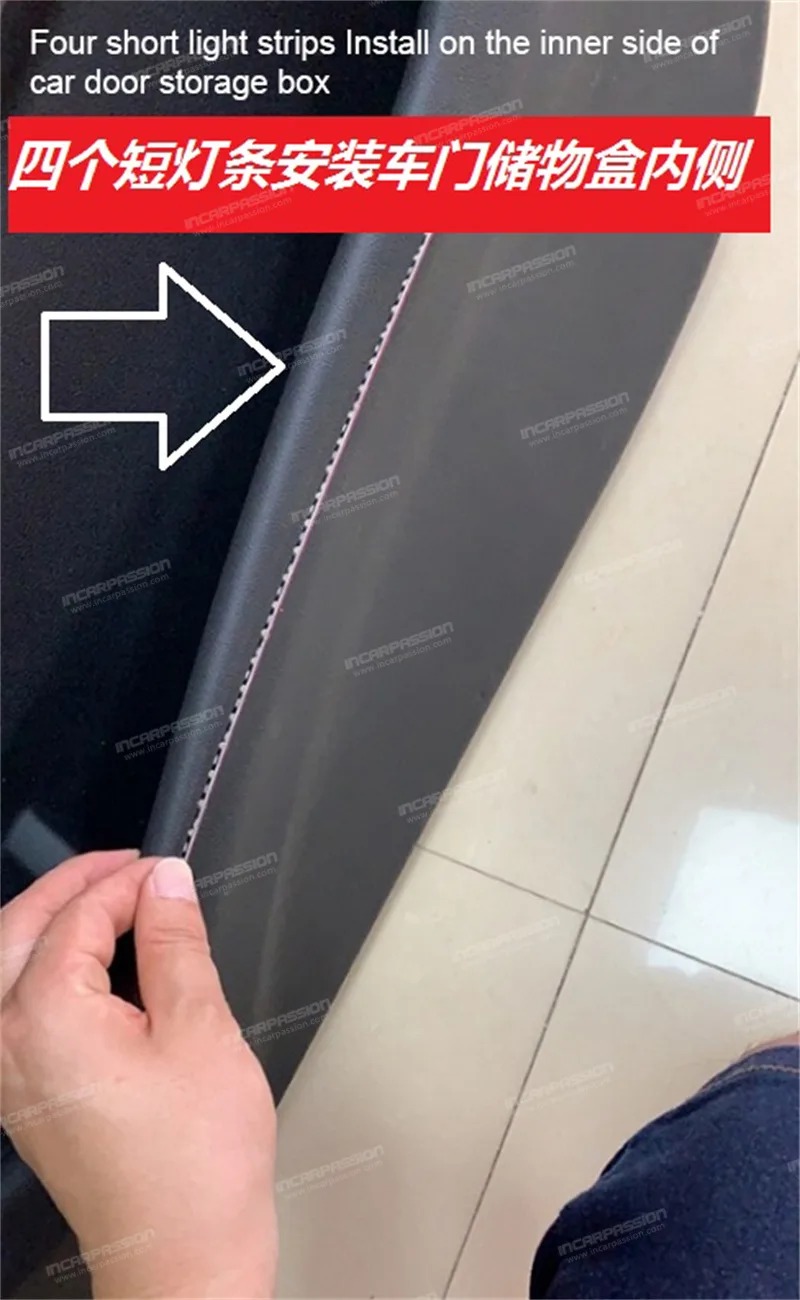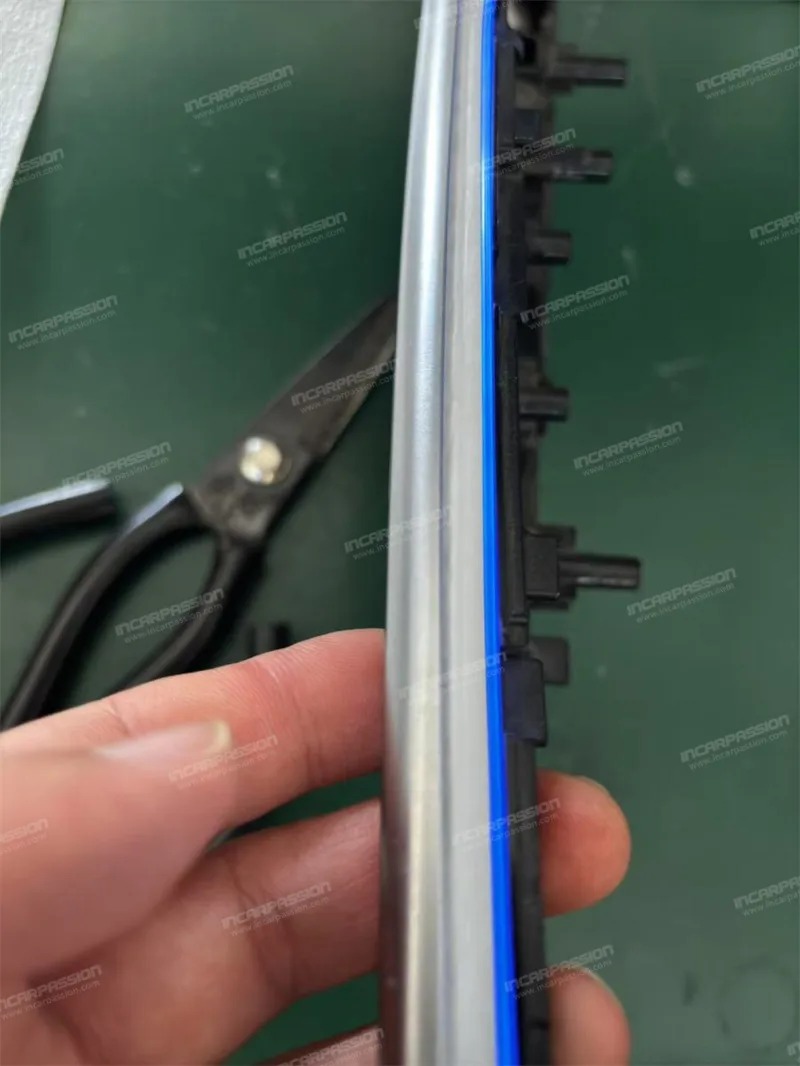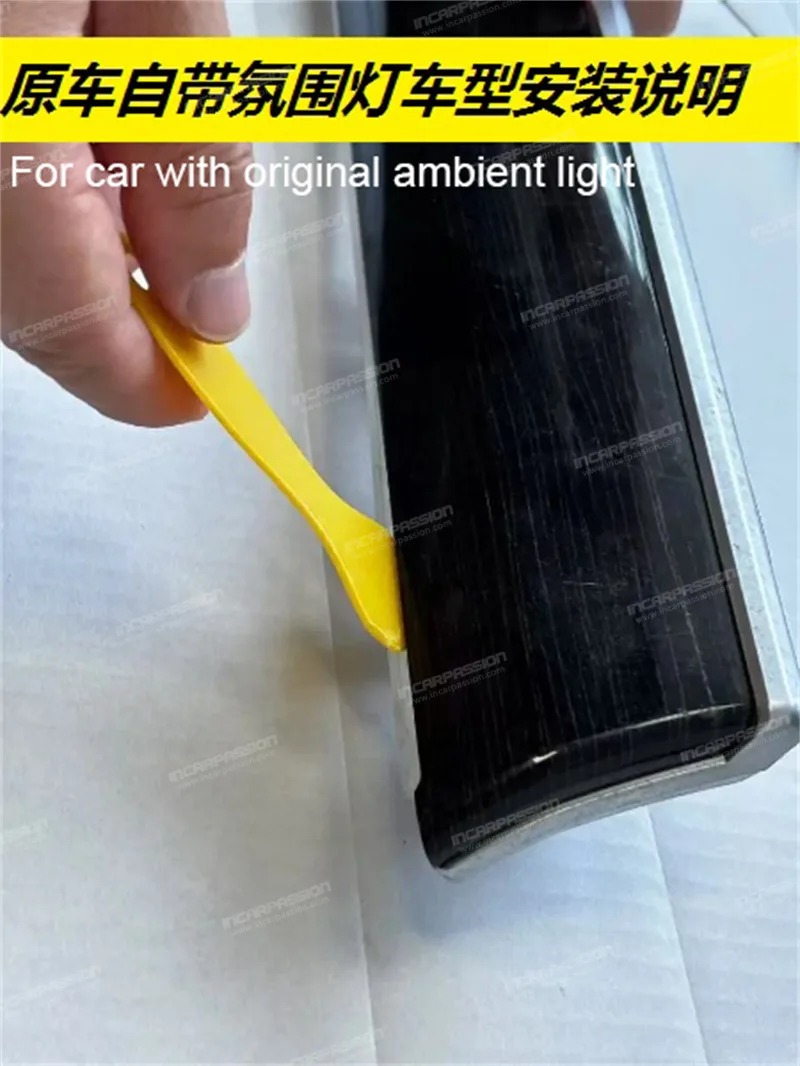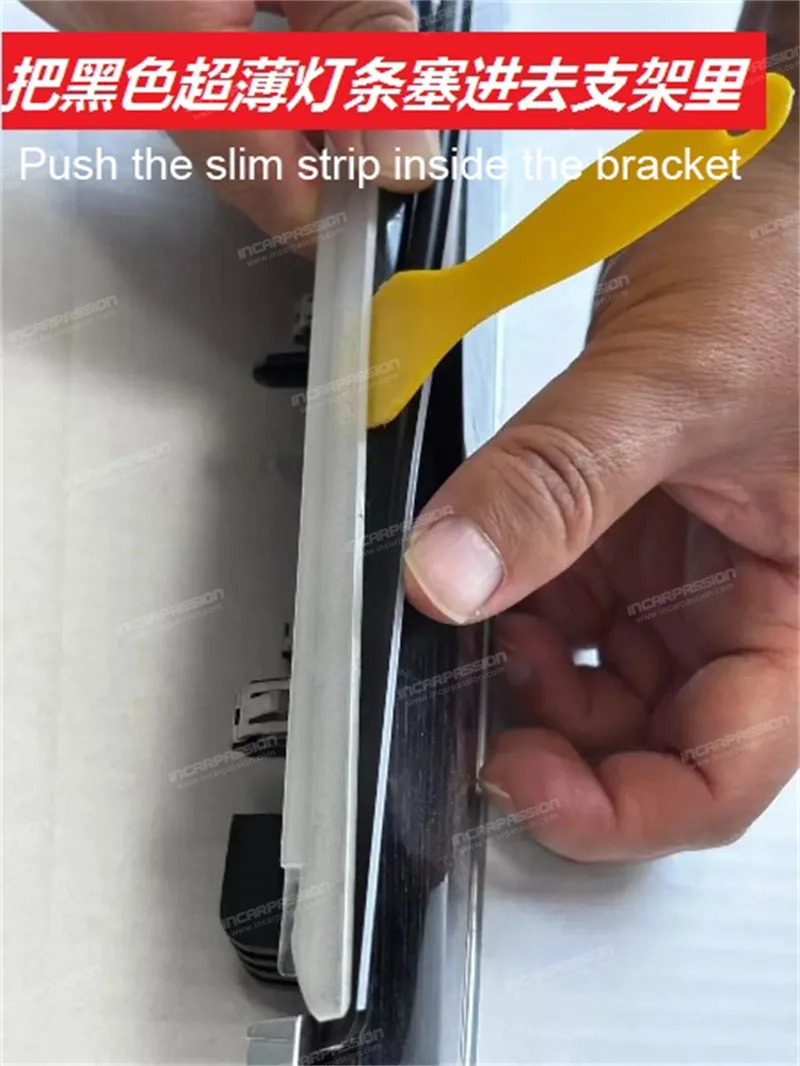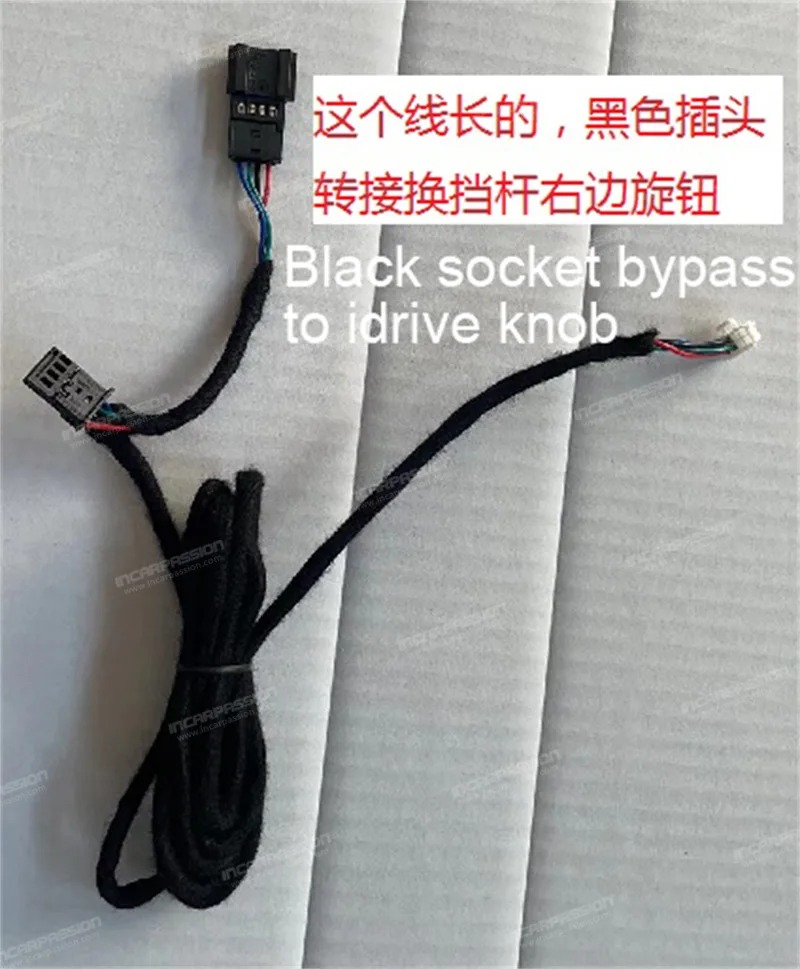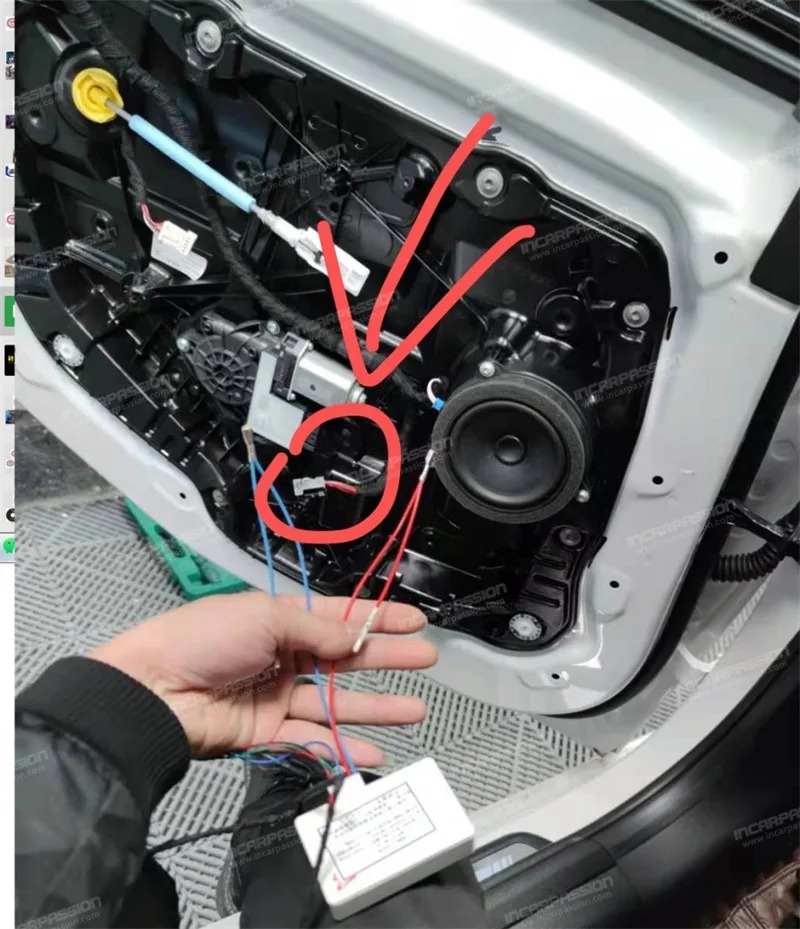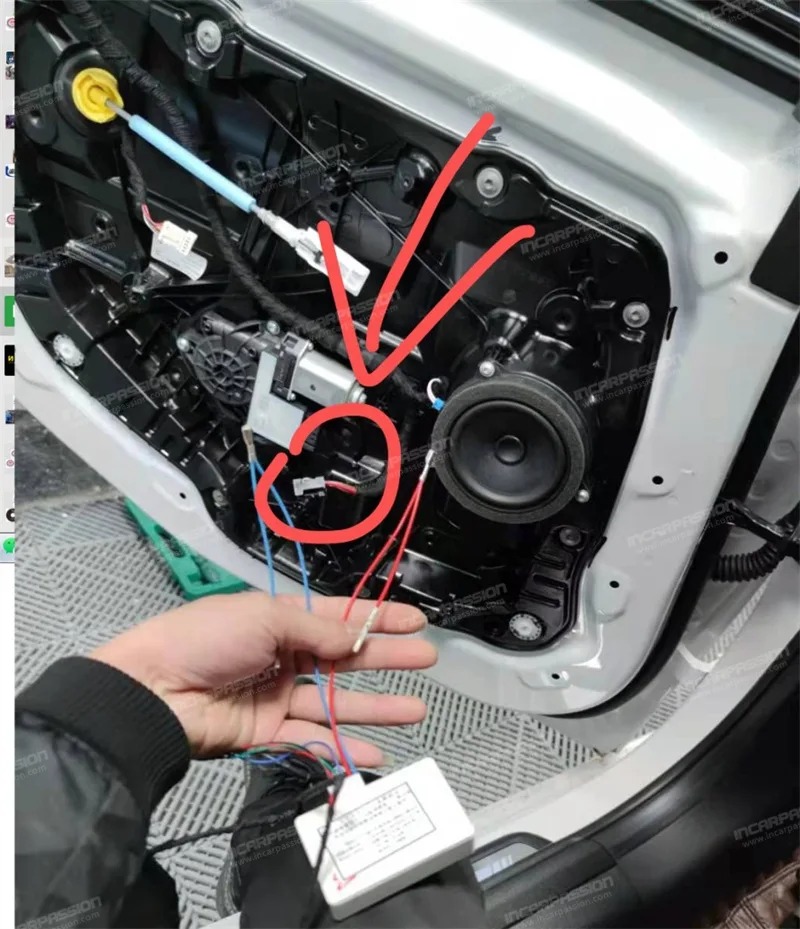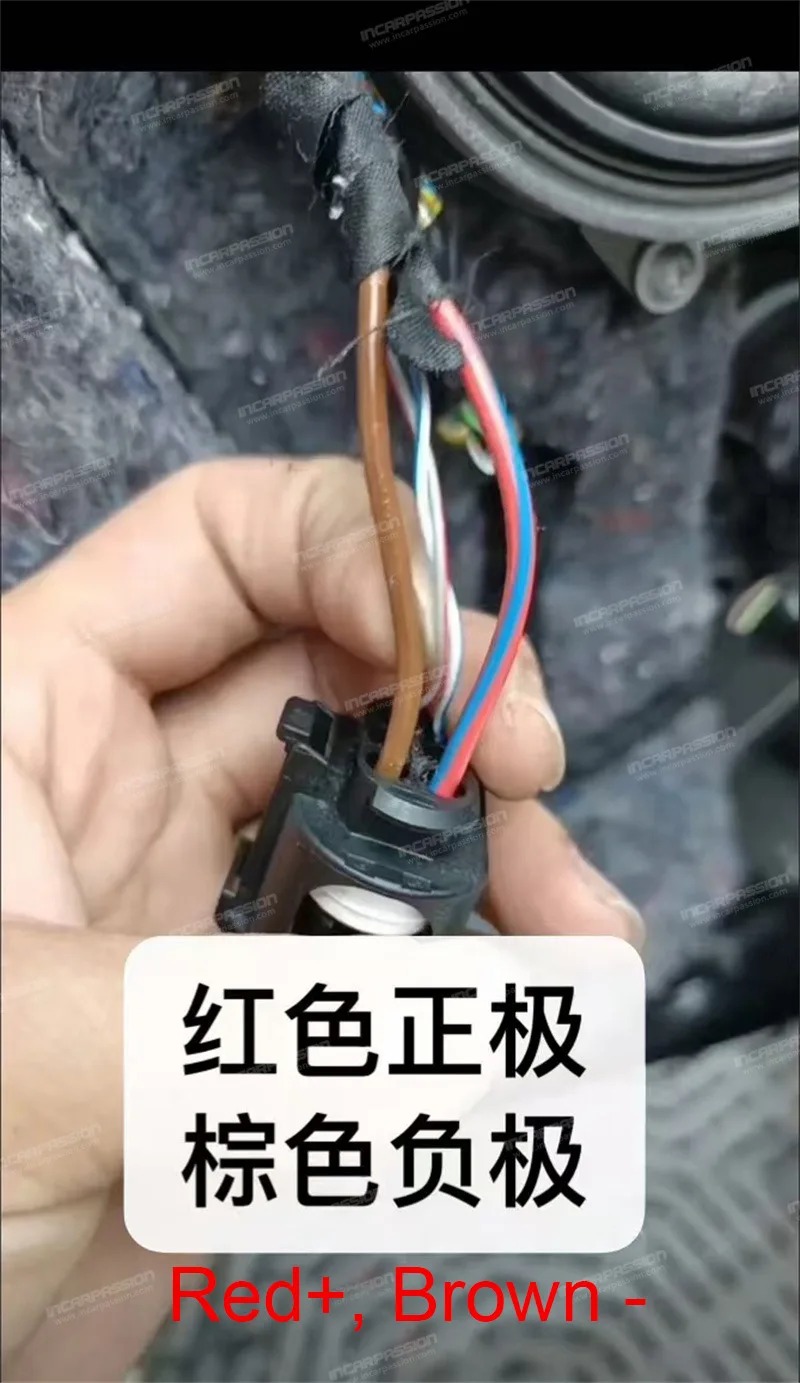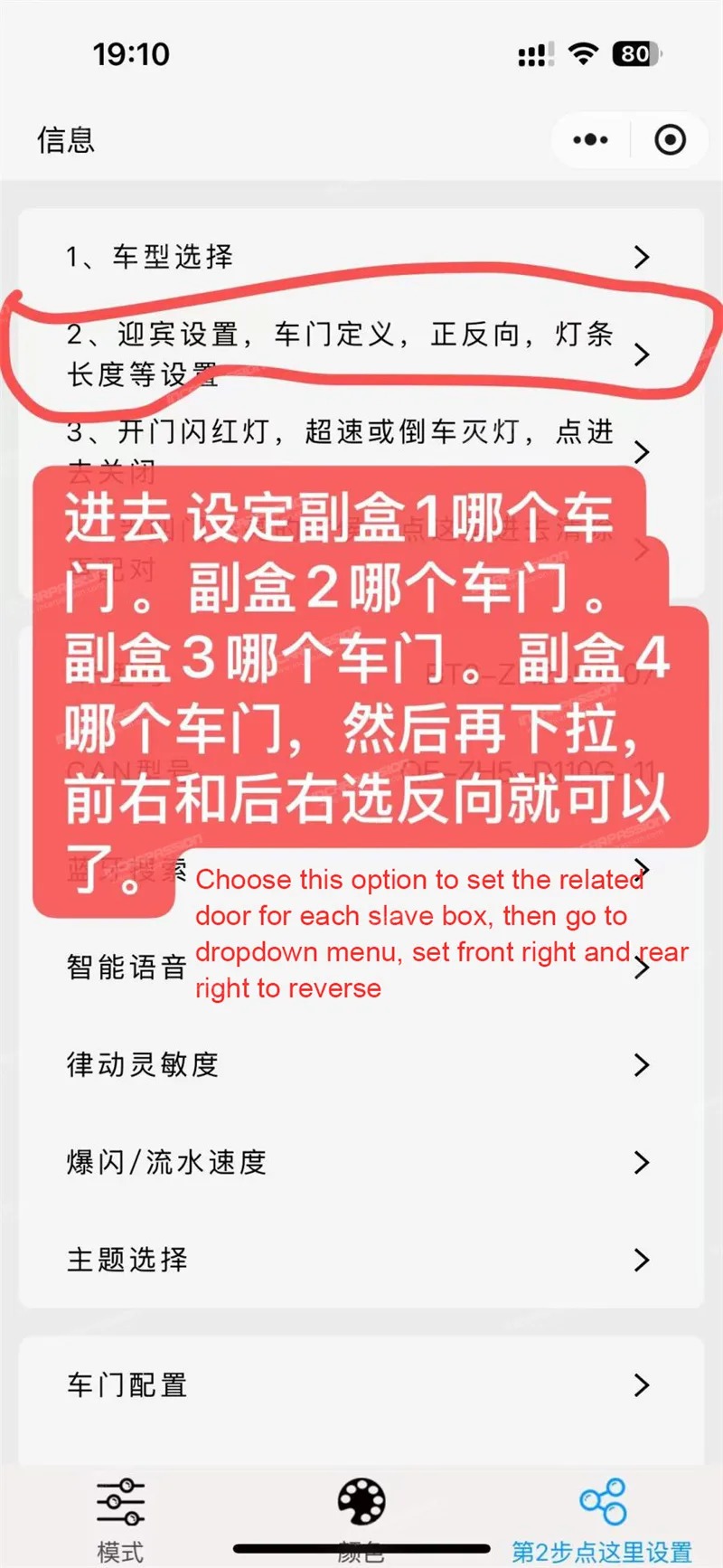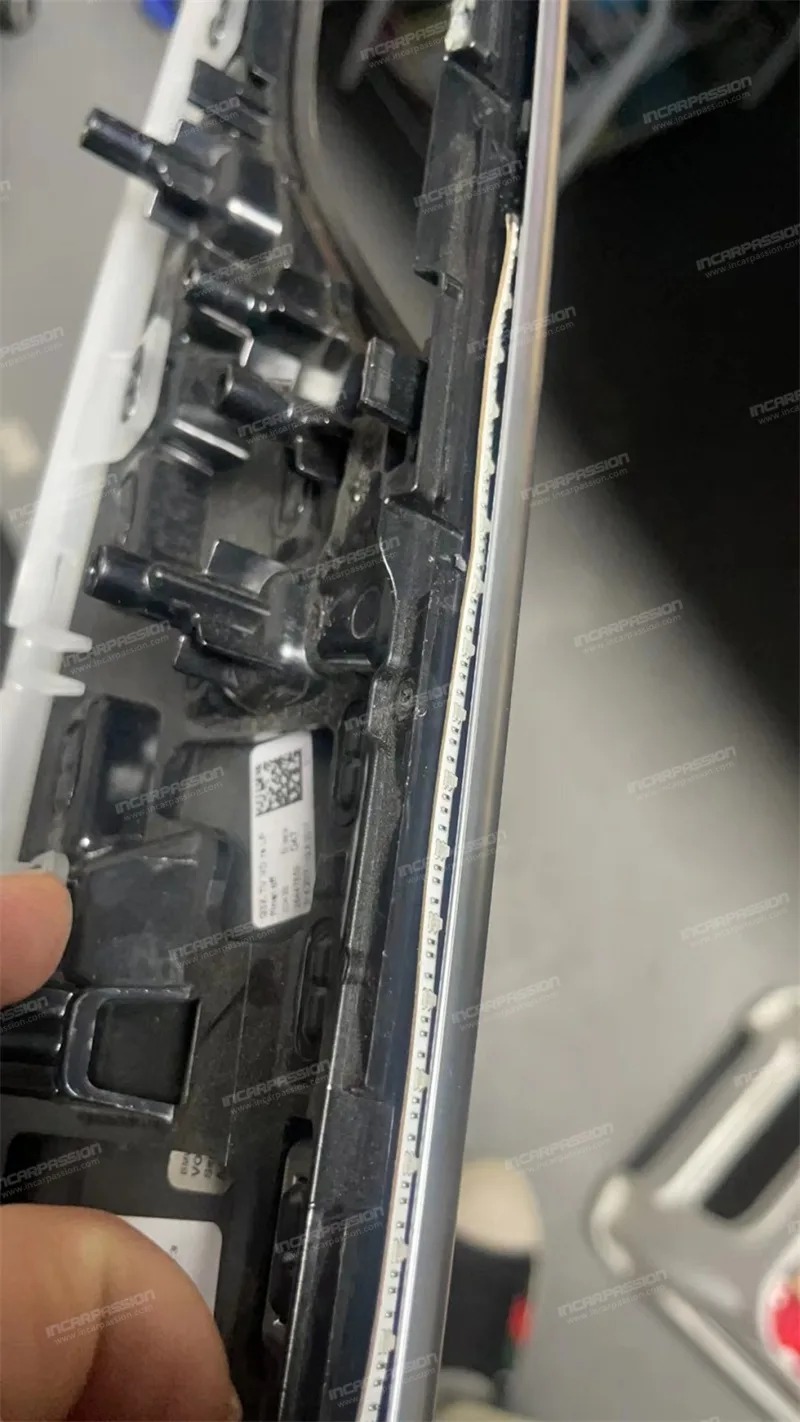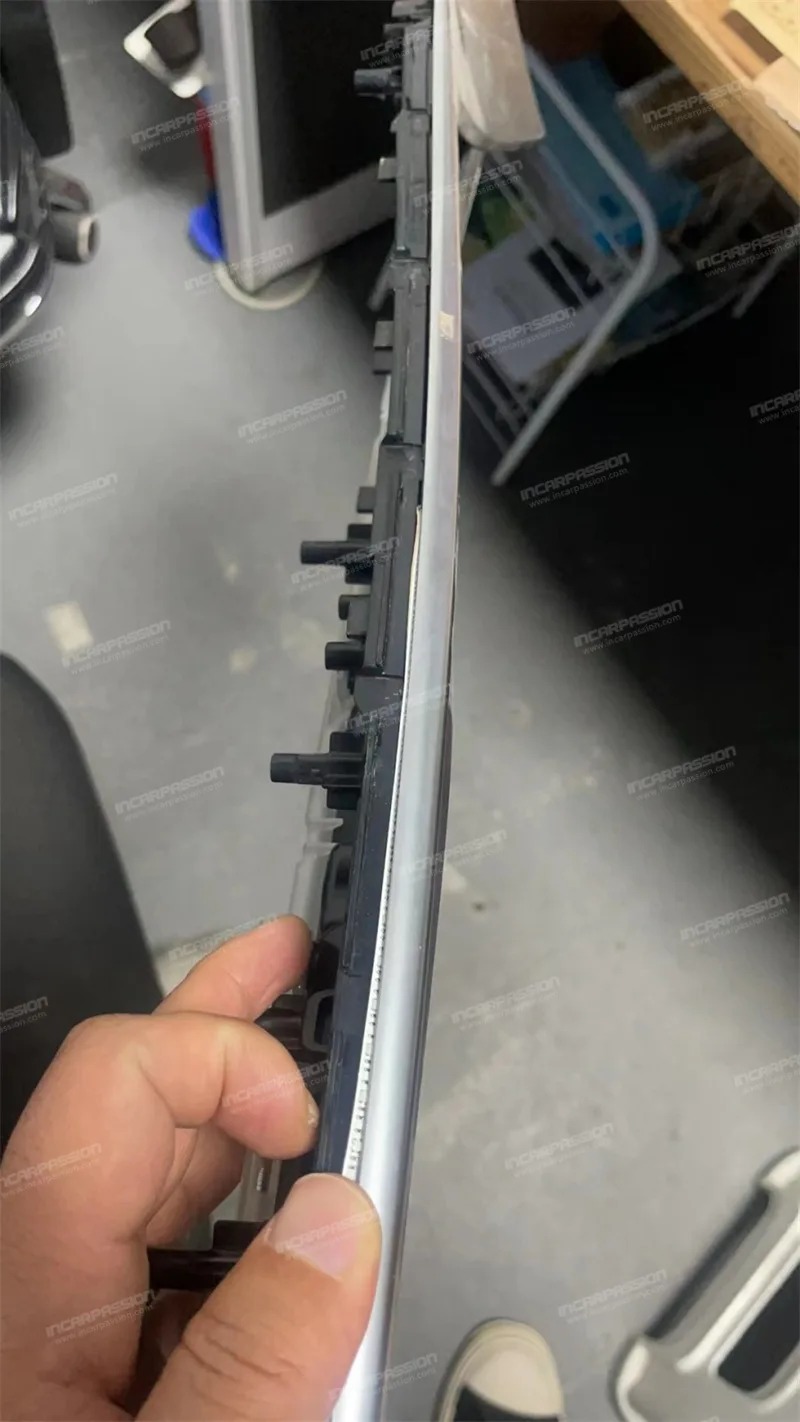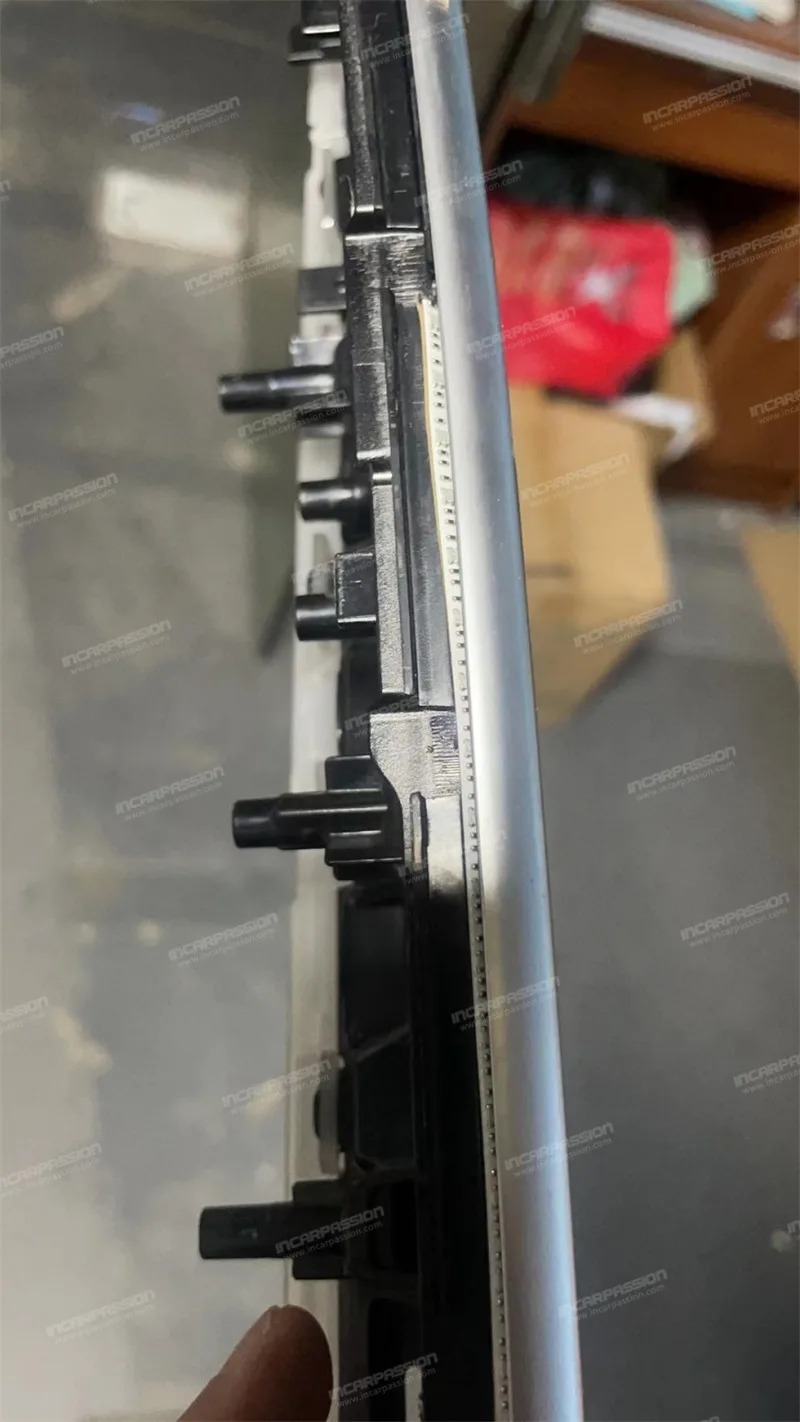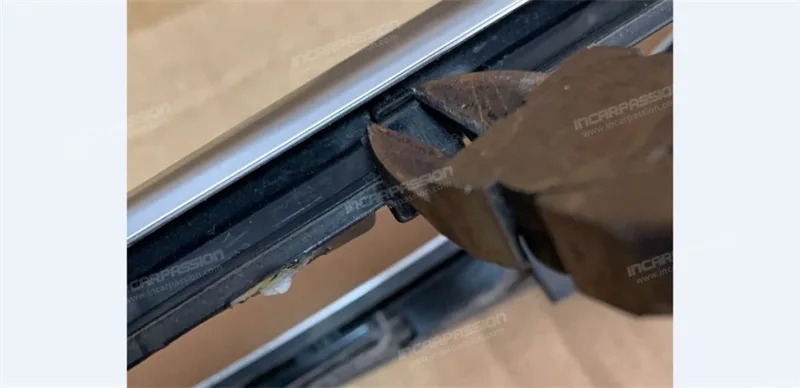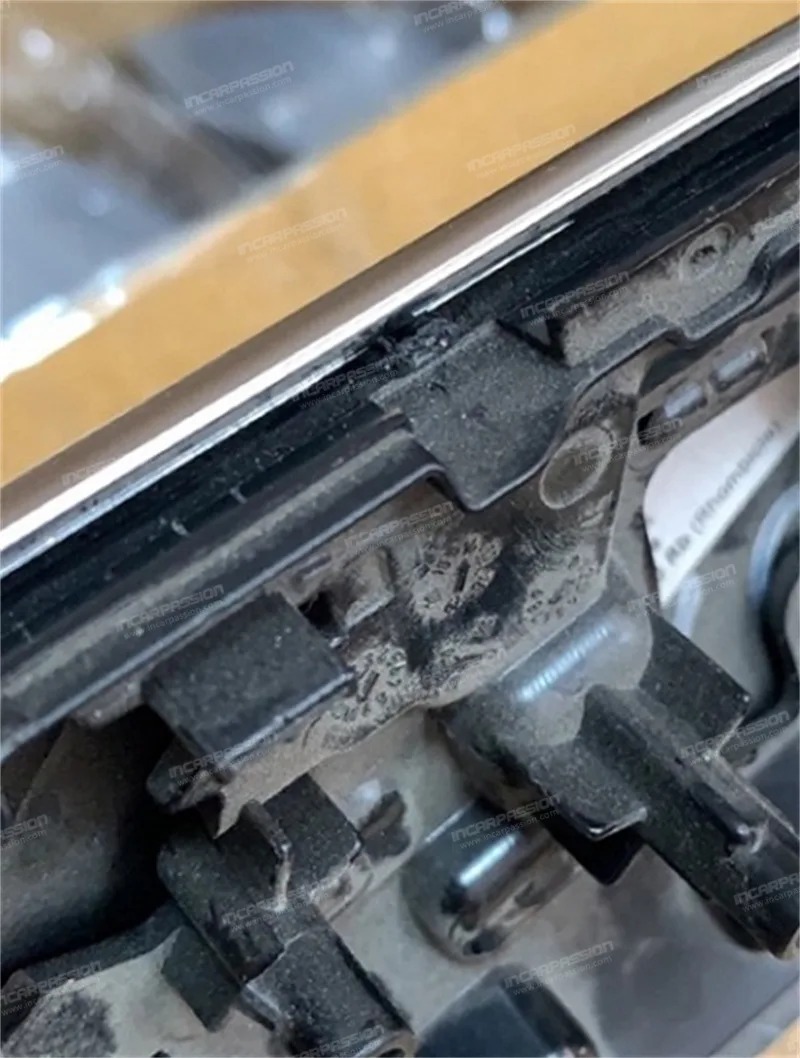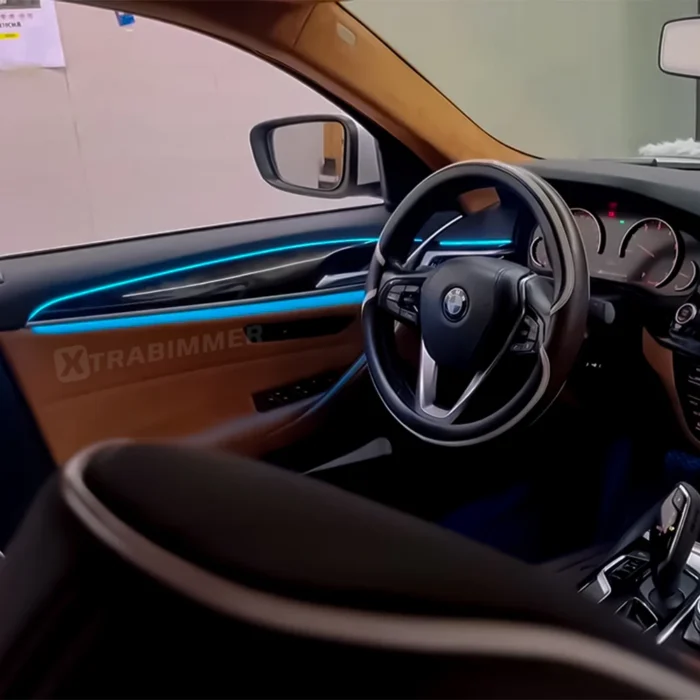

This tutorial will show you how to install a synphomy dynamic ambient light for BMW 5 Series G30 2018-2023 to upgrade your 5 series g30 interior, if you are interested in purchasing this product or resell the product in your market, you can check below link for more details
You need to do the coding to activate the ambient light menu of the car, you can ask a professional BMW coder to code ambient light menu out, or use OBD to do the coding. You can do the coding before you install our product.
To use our OBD to do the coding, you need to register a Wechat account (Wechat is an app similar with Whatsapp if you haven't heard it before); After you login Wechat, please scan below QR code to add our staff and send your order ID to our staff, we will send you a QR code for coding.
When you are ready for coding, turn on the ignition on the car (don't turn on Engine, just ignition on to have power on car), plug the OBD box to car OBD port, then follow below instruction to do the coding.
After coding the menu out, you can do the installation.
Need to test the light colors before installing everything back, especially red, green, blue 3 colors. Below is the wiring layout, if light strip is too long, can cut in any length.