


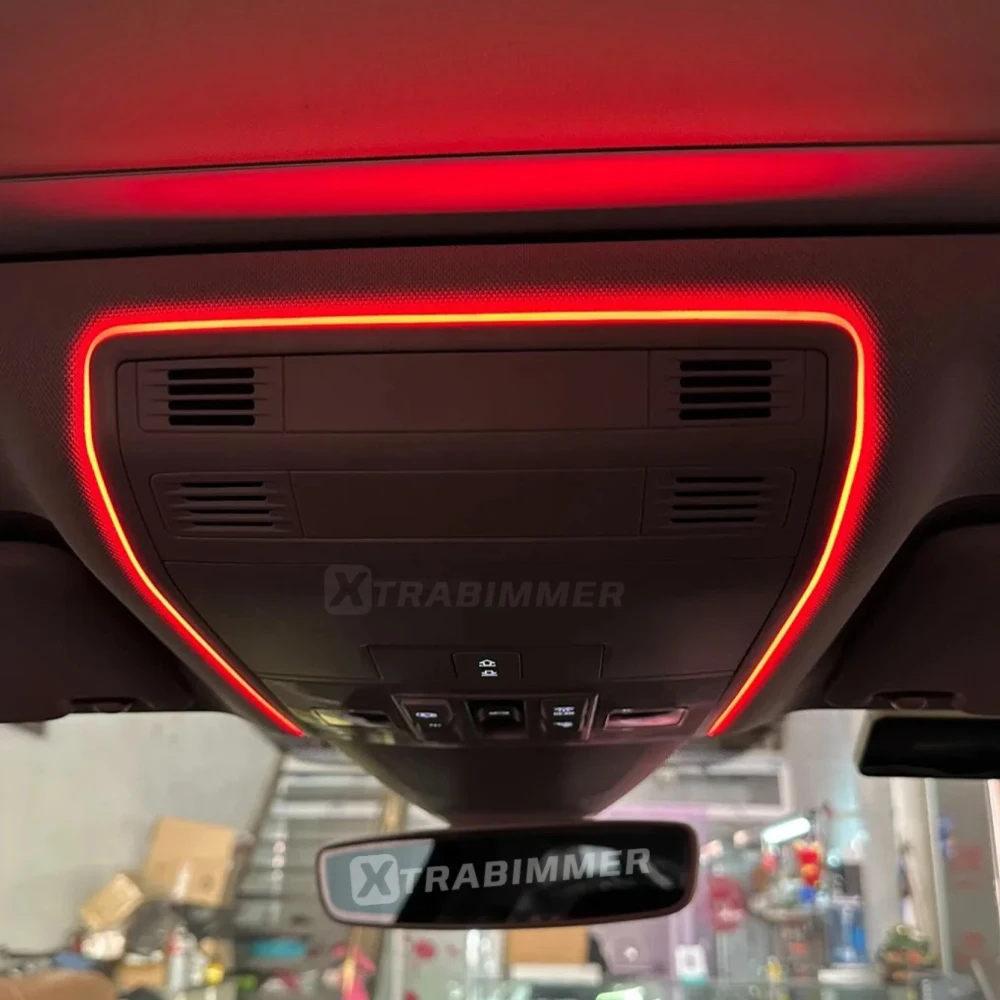

Upgrading your Volkswagen Tiguan or Passat B8 with OEM-style ambient lighting and enhanced reading lights is one of the best interior mods you can do. This retrofit keeps the factory look while adding modern multi-color illumination and a premium night-time driving experience.
This step-by-step guide covers tools, wiring, installation, and coding activation.
Compatible Models
Volkswagen Tiguan
Volkswagen Passat B8
Model years: 2016–2025 (varies by market)
Tools Required
Plastic trim removal tools
Torx screwdriver set (T20 / T25)
Small flat screwdriver
Electrical tape & zip ties
Ambient lighting upgrade and installation method for Passat B8 / MQB platform vehicles (low-cost solution) install video
Upgrade Results
✔ OEM factory appearance
✔ Multi-color ambient lighting
✔ Enhanced reading light glow
✔ Premium night interior atmosphere
✔ Increases resale appeal
Final Tips
Always disconnect the battery before wiring.
Avoid sharp bends in LED strips.
Use vehicle-specific harness whenever possible.
If you're planning to install this on your Tiguan or Passat B8, and need wiring diagrams or BCM pin details, feel free to reach out.
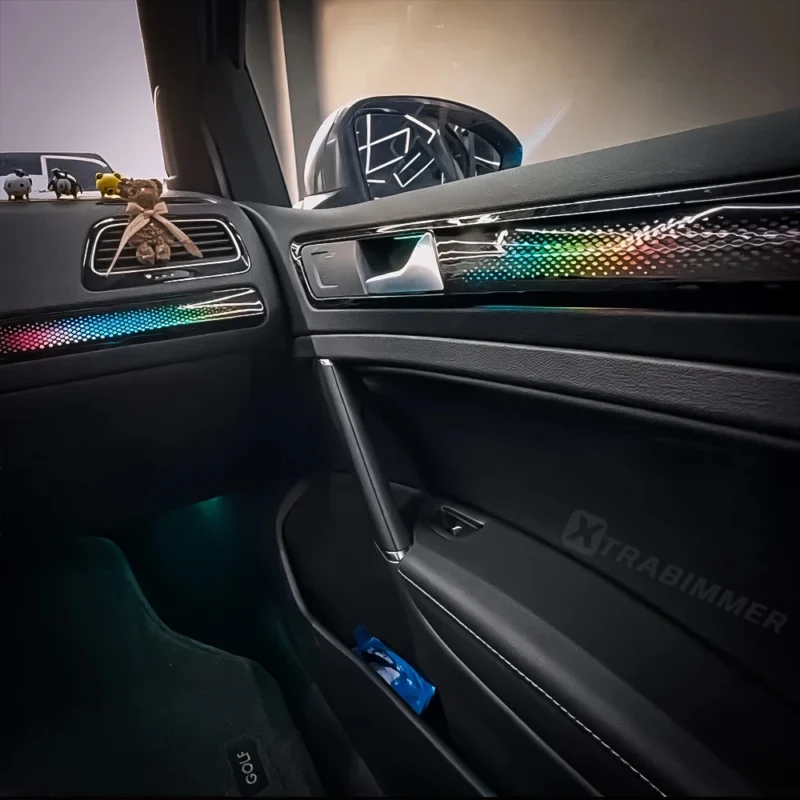
I am interested in buying the Reading Light (APP Control version) for my Volkswagen Tiguan 2017. However, I have a specific technical question regarding the installation and how it works before placing the order.
My Tiguan does not have ambient lighting from factory. I want the new LED light to turn ON and OFF automatically along with the car’s headlights (for example, when entering a tunnel or at night).
Could you please confirm the following?
1 Wiring functionality: Does the included Plug & Play wiring plug into a pin that power up only when the headlights/button backlights are turned on? Or does it stay powered on all the time when the car ignition is on?
2 Custom wiring: If the standard kit stays on during the day, do you have or can you provide a specific cable/harness that connects directly to the headlight/night illumination line?
3 App Control: If connected this way, will I still be able to control colors and brightness via the smartphone APP whenever the headlights are on?
I want the APP Control version, but I need to make sure I won’t have to manually turn it off from my phone during the day.
Looking forward to your reply so I can proceed with the purchase.
Best regards,