

Dynamic Ambient Light Retrofit kits For BMW X1 F48
Price range: $99.00 through $268.00
OEM dynamic ambient light for BMW X1 F48 (2016–2022). Factory-style interior upgrade with app & steering wheel control.
Price does not include tax. Customs duties and import taxes are the responsibility of the buyer.
Description
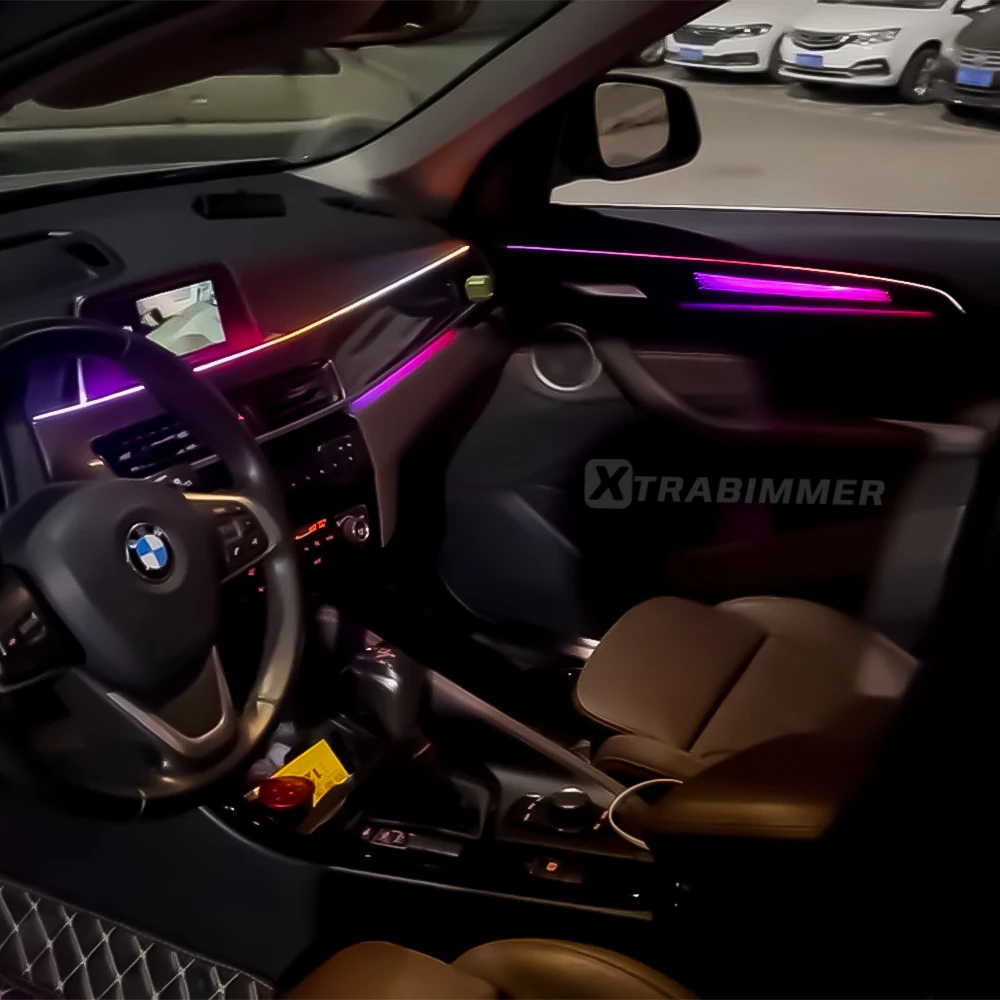
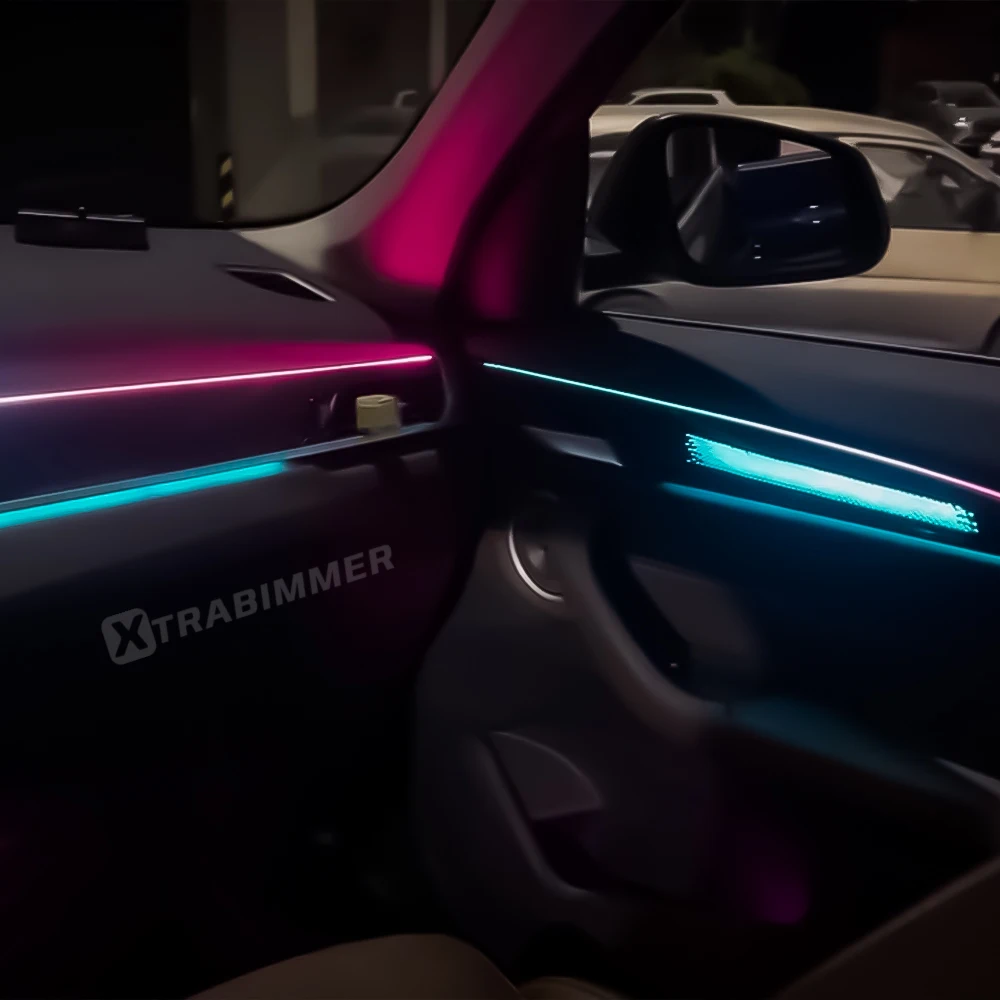
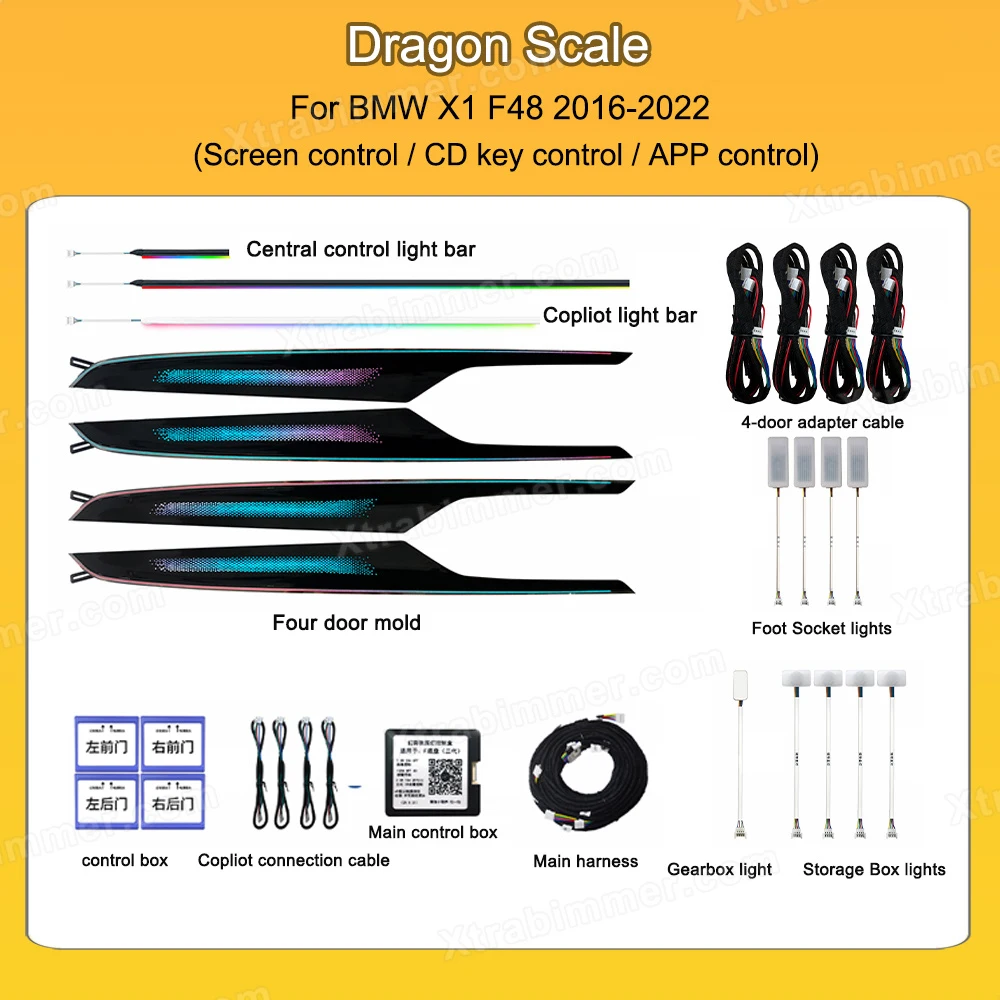
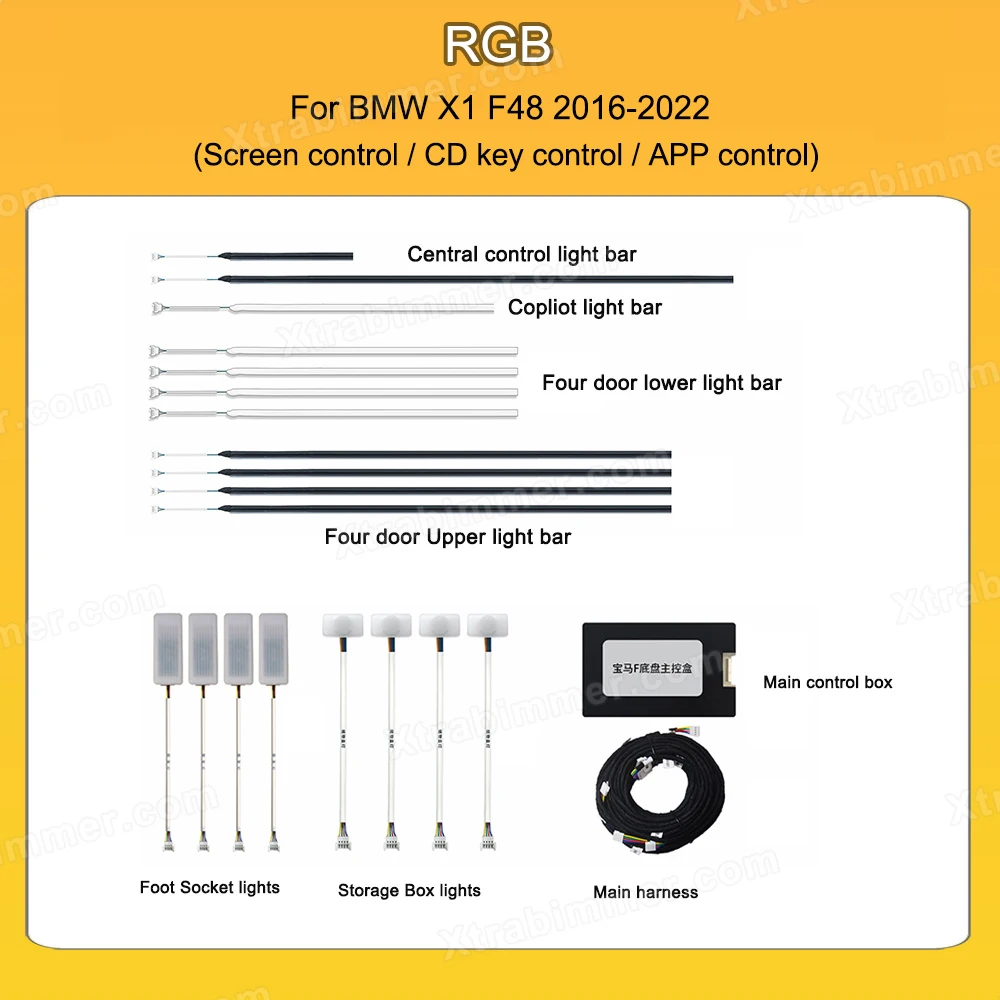
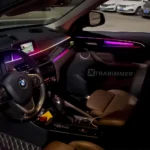
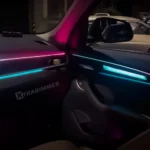
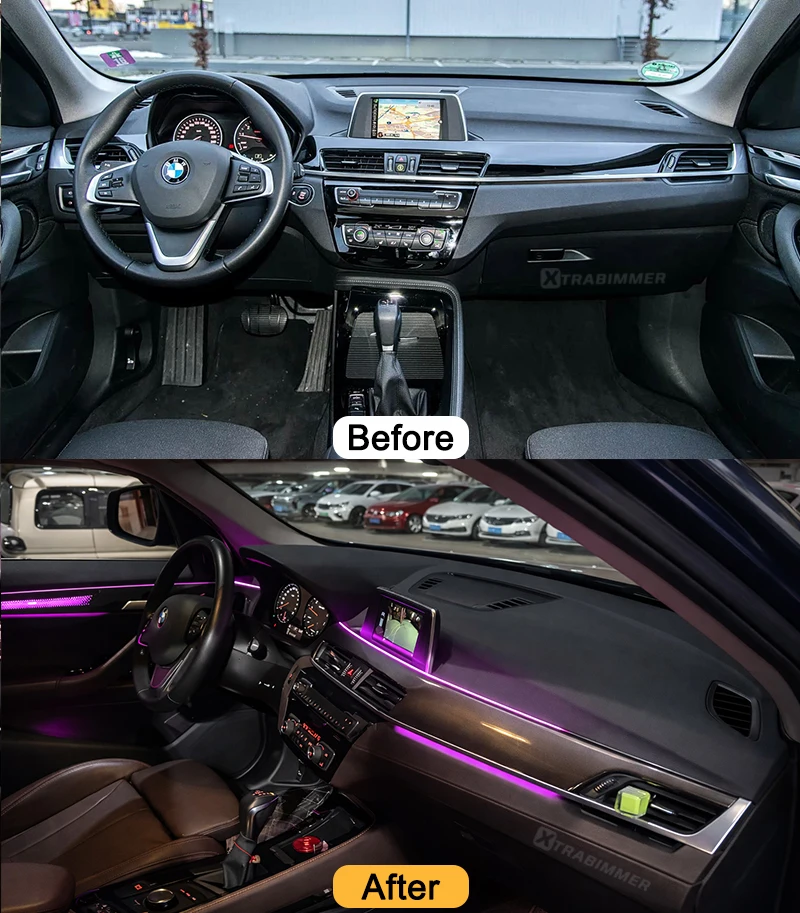
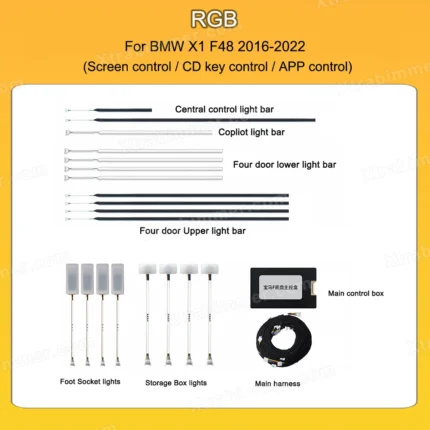
Upgrade your BMW X1 interior with our vibrant LED ambient light. Designed specific for BMW X1 F48, this ambient light upgrade kit replaces original plain trim with illumination trim on 4 doors, and led strips along the dashboard, lights in door handles, storage box, and footwells. synchronizes seamlessly with original iDrive display menu.
Features
- OEM style specific design ensures seamless match with the vehicle’s interior
- Supports multiple control way, such as factory screen ambient light menu control (require coding for activation), app & radio button control
- Plug & play socket-to-socket design; no cutting or modification of original wiring required.
Compatible Models
- BMW X1 F48 (2016–2022)
⚠ Note:
- The product need to do coding to activate the ambient light menu, otherwise can’t control the light in display menu.
Control method:
- CIC System: Control via radio button(5 6 7 8) or mobile app. Cannot control via original screen menu.
- NBT System: Control via radio button(5 6 7 8), mobile app, or original screen menu (Note: Coding is required to enable original screen menu)
How to Activate Ambient light Menu(for NBT system car):
- Laptop coding: Use bmw coding tools & software (not included in the product, and we don’t provide laptop coding instruction)
- OBD Dongle Coding: The OBD dongle is optional, not include in the product, and it need to use with Wechat App, please make sure you can register an Wechat account before you purchase OBD
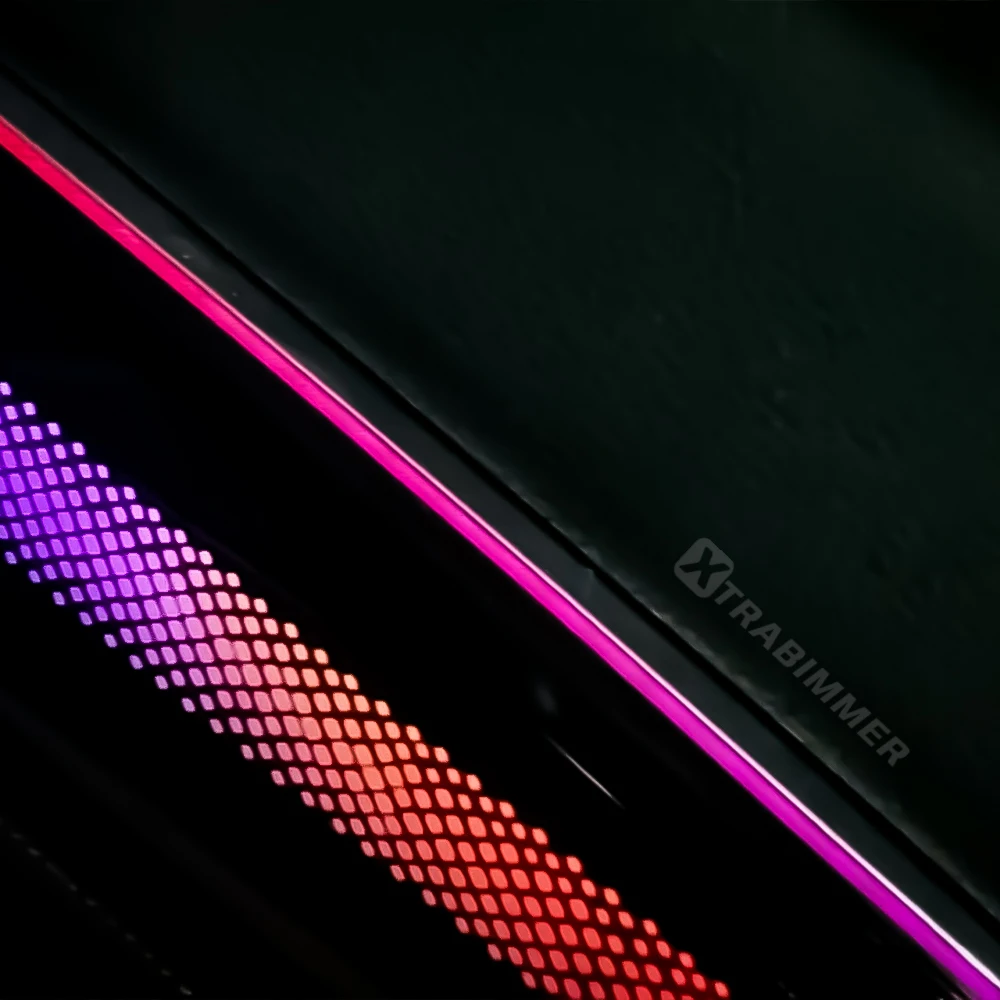
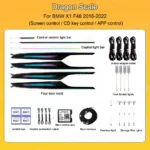
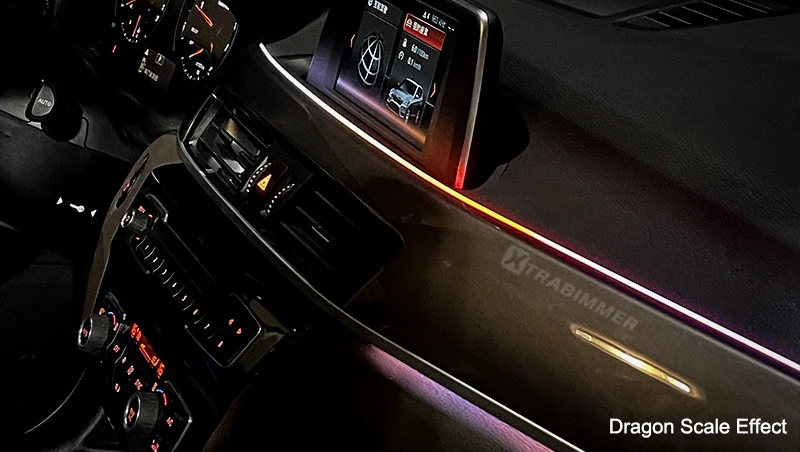
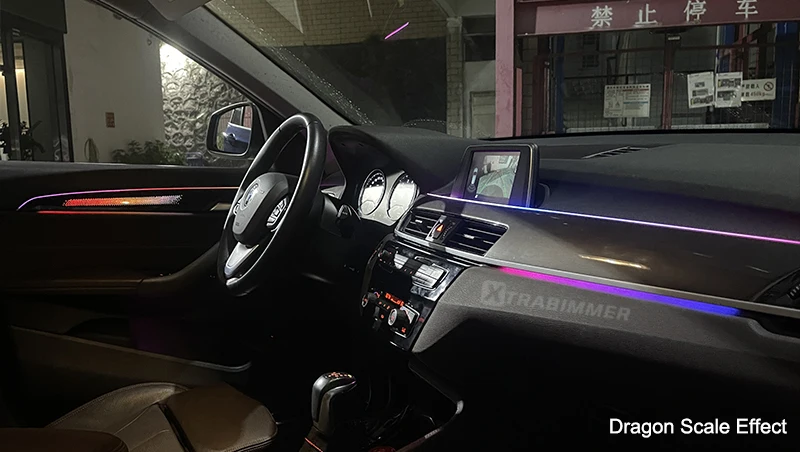
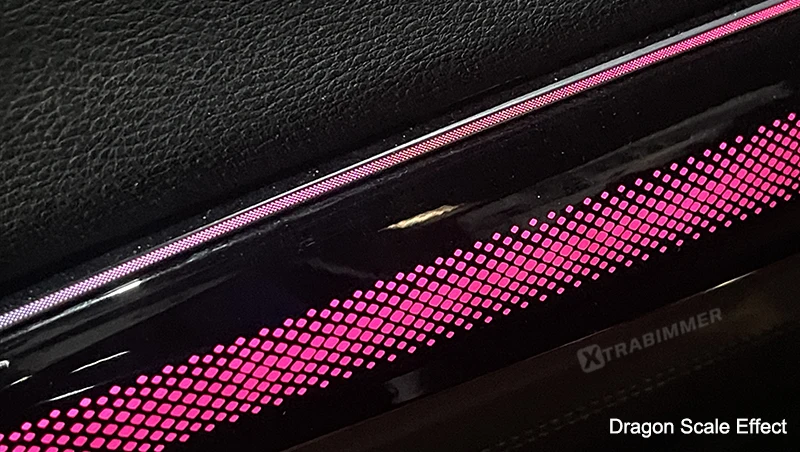
BMW X1 F48 OEM Design Symphony Dynamic Ambient Light – Dragon Scale Style
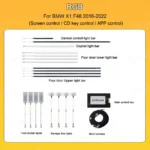
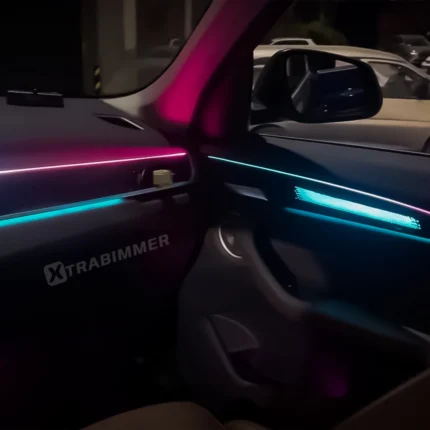
BMW X1 F48 OEM Design Symphony Dynamic Ambient Light – RGB Style
Reviews (0)
Vehicle Fitment
| Make | Model | Year |
|---|---|---|
| BMW | X1 F48 | 2016 - 2022 |
FAQs
1: Can I use this if my car already has ambient lights?
A1: ❌ No. Only for cars without original ambient lighting.
2. How can I control the lights?
The system supports three main control methods:
- Physical Control: Uses the CD Key control.
- Mobile Access: Controlled via a dedicated smartphone app.
- Screen Menu: Supported on the original vehicle screen (requires activation).
3. How do I enable the lighting menu on my original screen?
To see the ambient light menu on your dashboard screen, you must code or activate the feature. You have two options:
- DIY Method: Use our OBD Activation Kit (sold separately) in conjunction with the WeChat App.
- Professional Method: Contact a local professional coding specialist to perform the activation for you.
4. Are there any specific requirements for the OBD Activation Kit?
Yes. If you choose to use our OBD Activation Kit, you must have an active WeChat account set up before beginning the process.
5: How long will it take to receive the goods?
A: Order processing takes 1–3 working days. After dispatch via express shipping (such as DHL, UPS, or FedEx), delivery typically takes around 7–10 days. During peak seasons, shipping may take approximately 12–18 days.
Frequently bought together
Dynamic Ambient Light Retrofit kits For BMW X1 F48
Price range: $99.00 through $268.00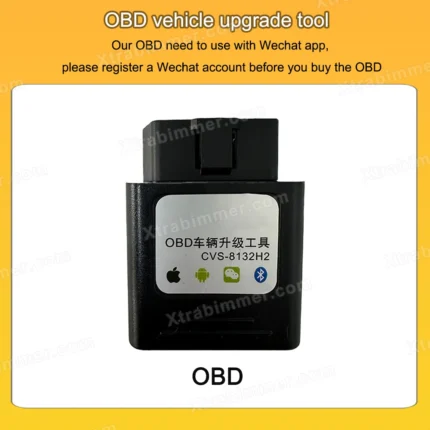
Sale
OBD Coding Dongle for Ambient Light
Original price was: $35.99.$26.99Current price is: $26.99.Related products
Sale
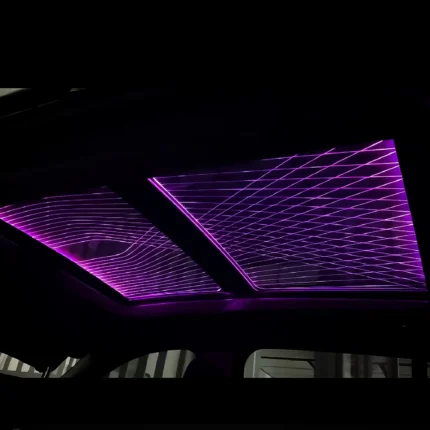
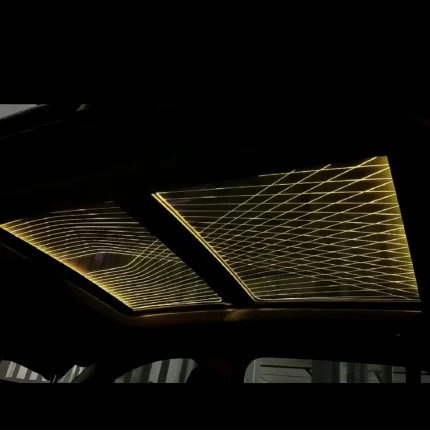
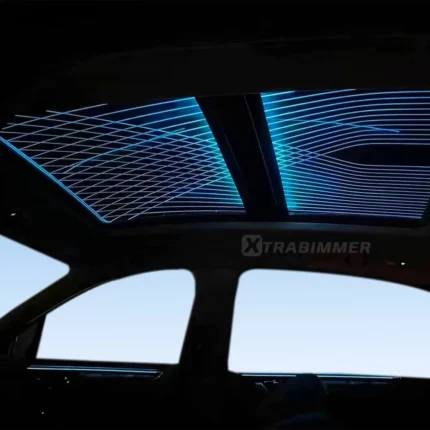
BMW X3 G01 Sky Lounge Panoramic Sunroof Ambient Light
Price range: $249.00 through $269.00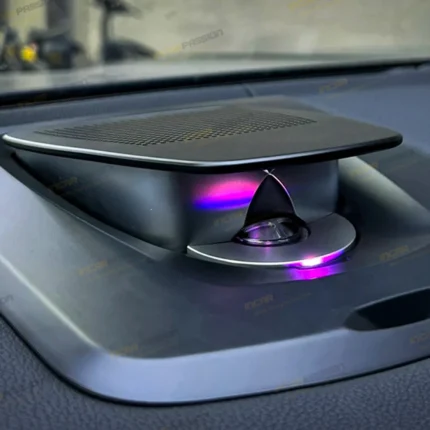
Sale
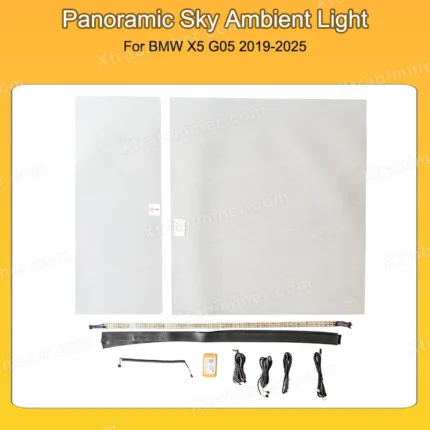
BMW X5 G05 Sky Lounge Panoramic Sunroof Ambient Light Roof Window Lights
Price range: $259.00 through $279.00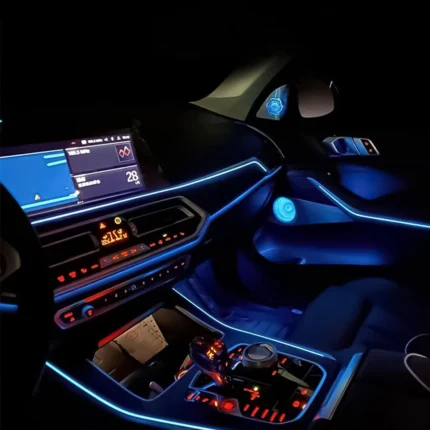
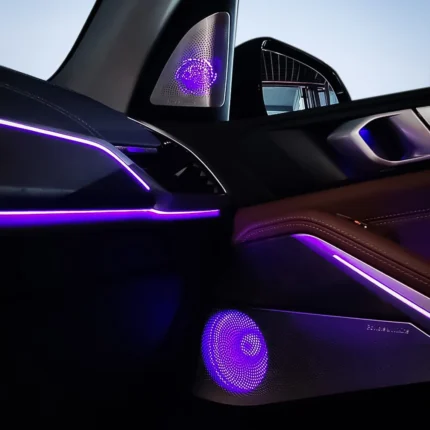
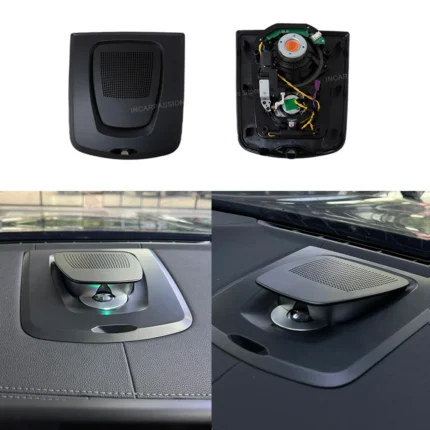
BMW X5 G05 X7 G07 LED Ambient Light Speaker Cover
Price range: $99.00 through $349.00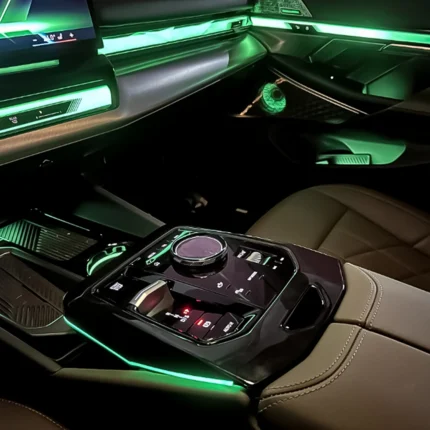
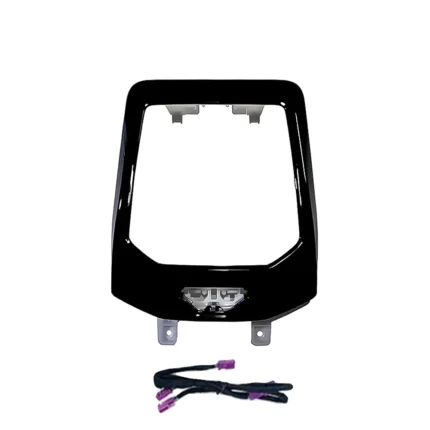
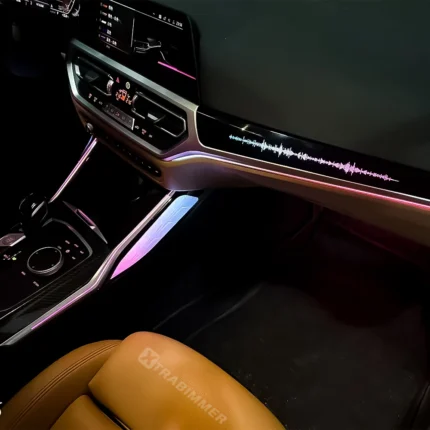
Black
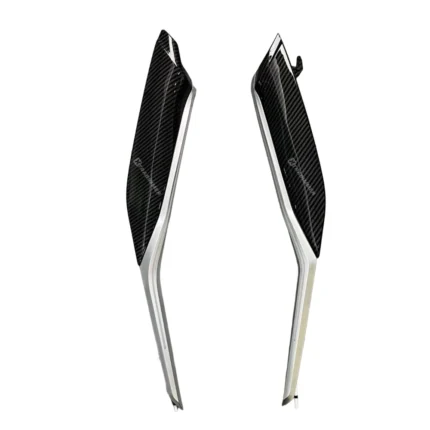 Carbon
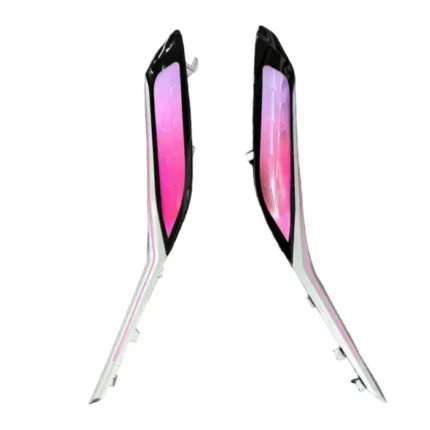 Crystal
Crystal Center Console Saddle ambient Light For BMW 2/3/4/i3/i4
Price range: $59.00 through $129.00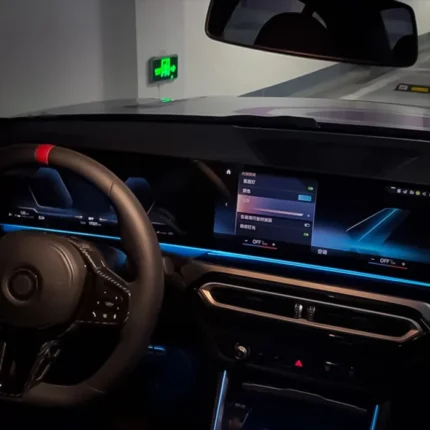
Sale
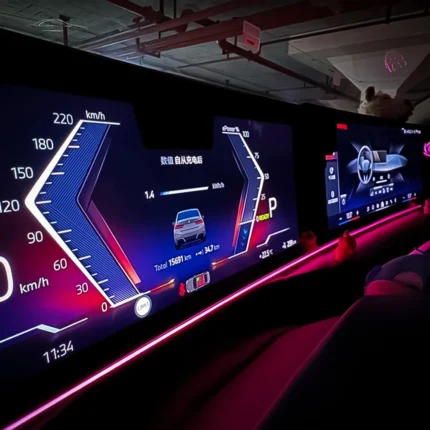
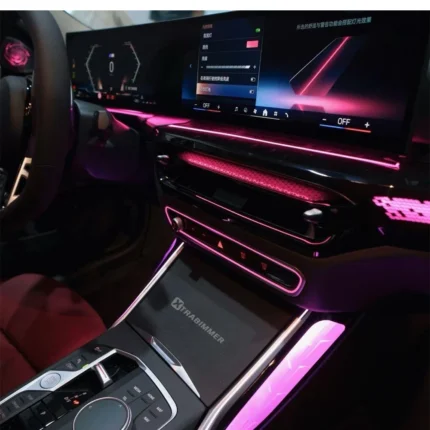
RGB LED Instrument Ambient Lighting for BMW 2/3/4/5/6/7/X3/X4/X5/X6/X7 Wide Screen
Original price was: $42.00.$27.00Current price is: $27.00.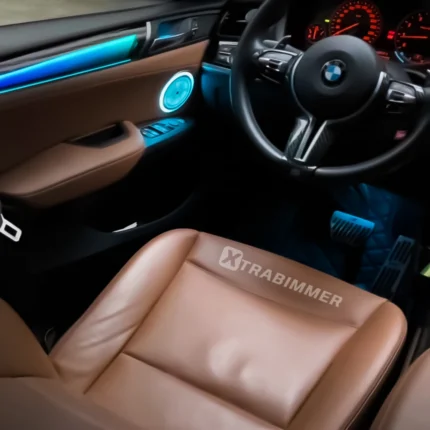
Sale
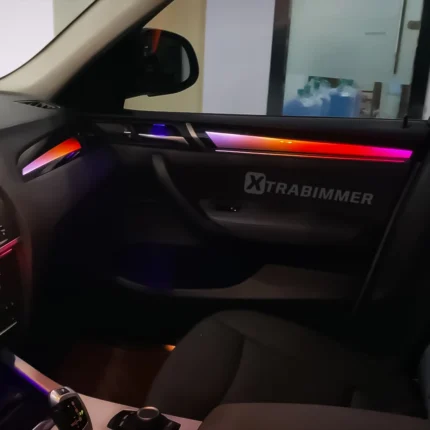
Reviews
Clear filtersThere are no reviews yet.