


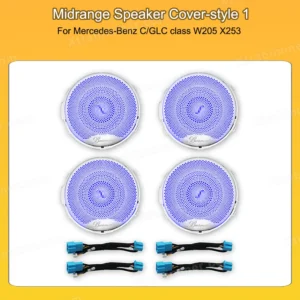
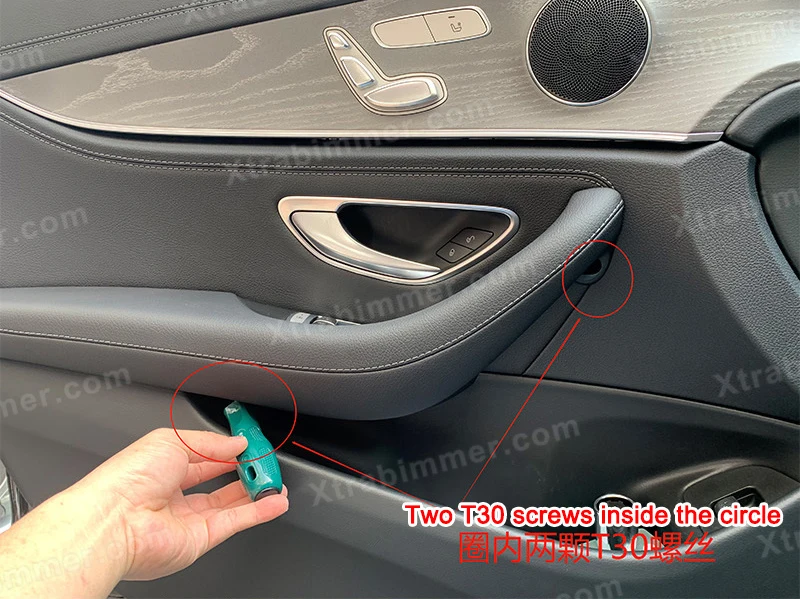


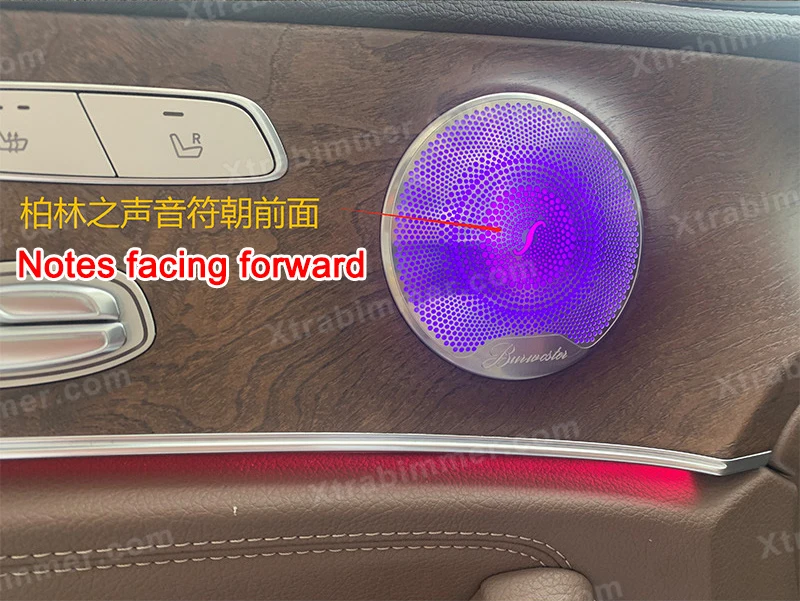
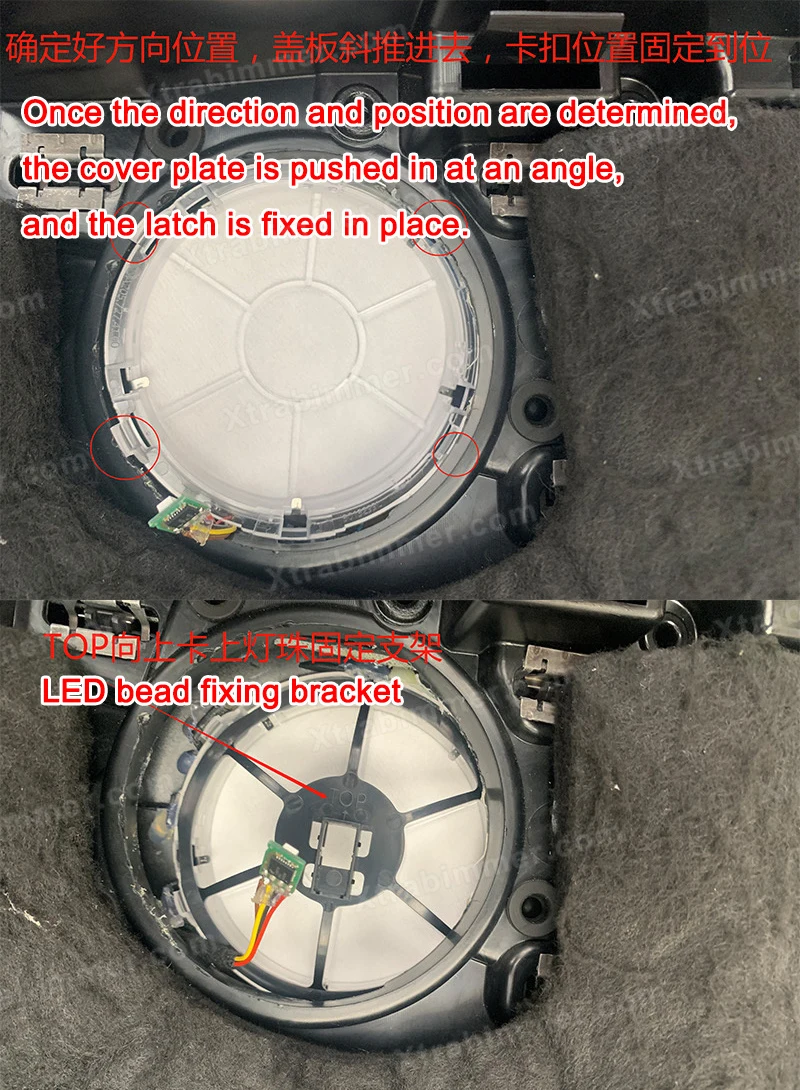
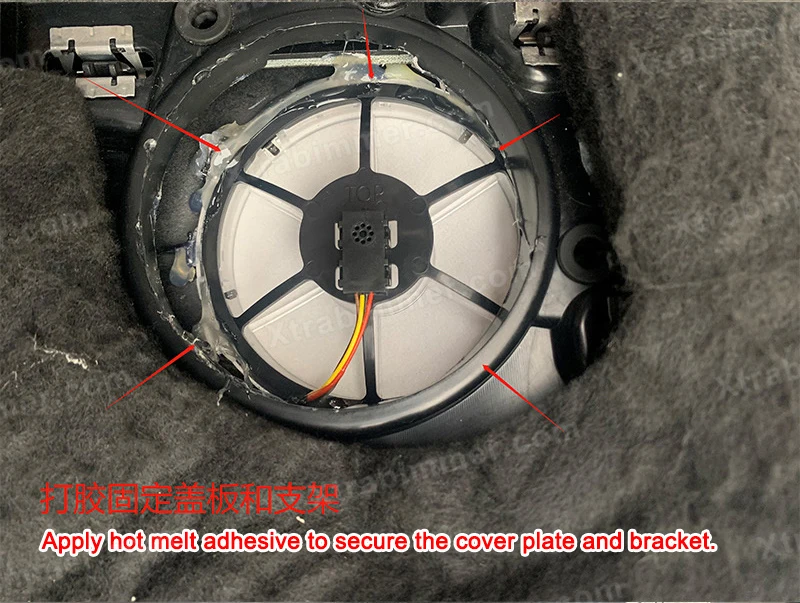
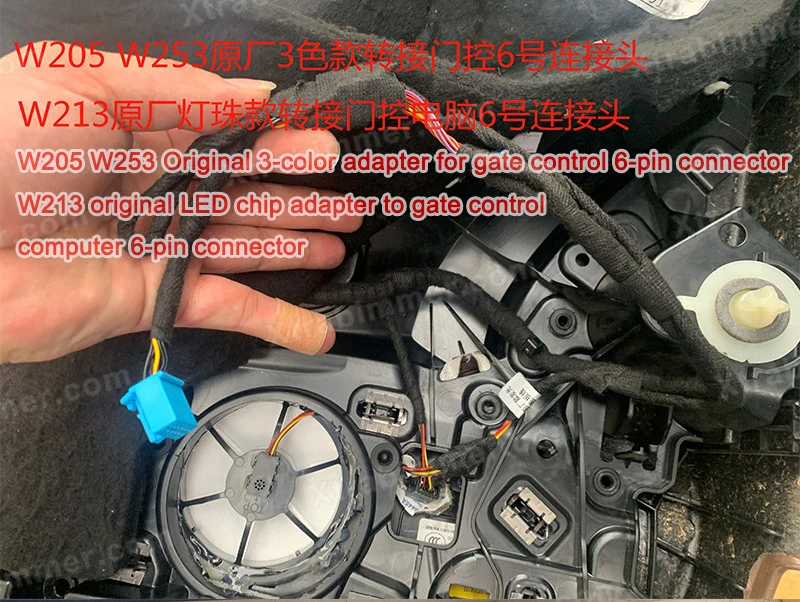
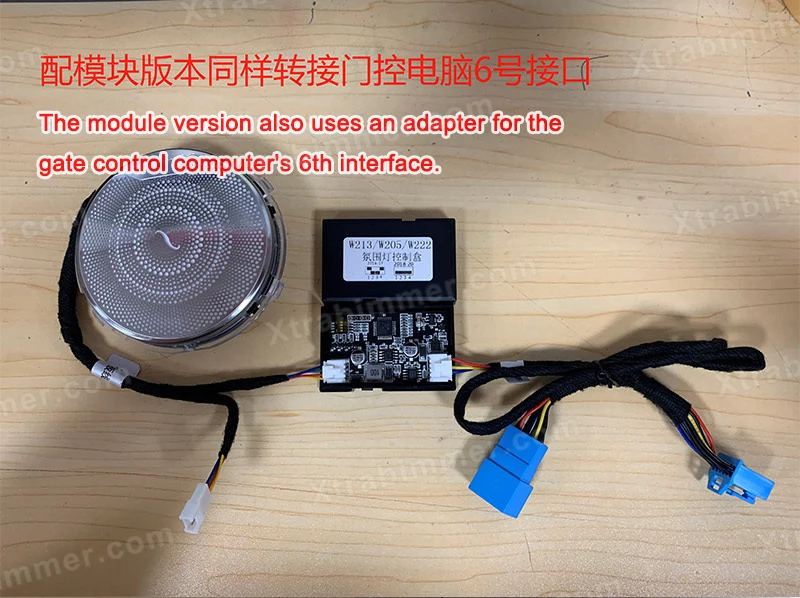
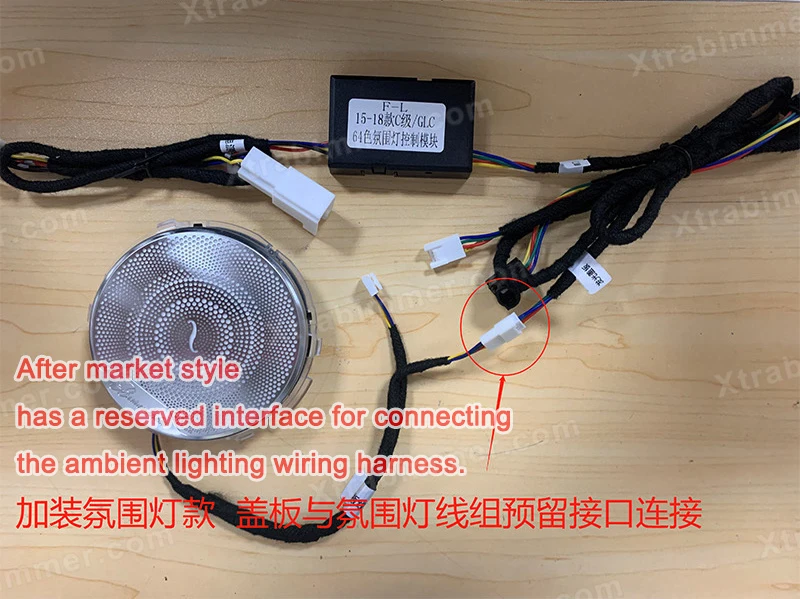
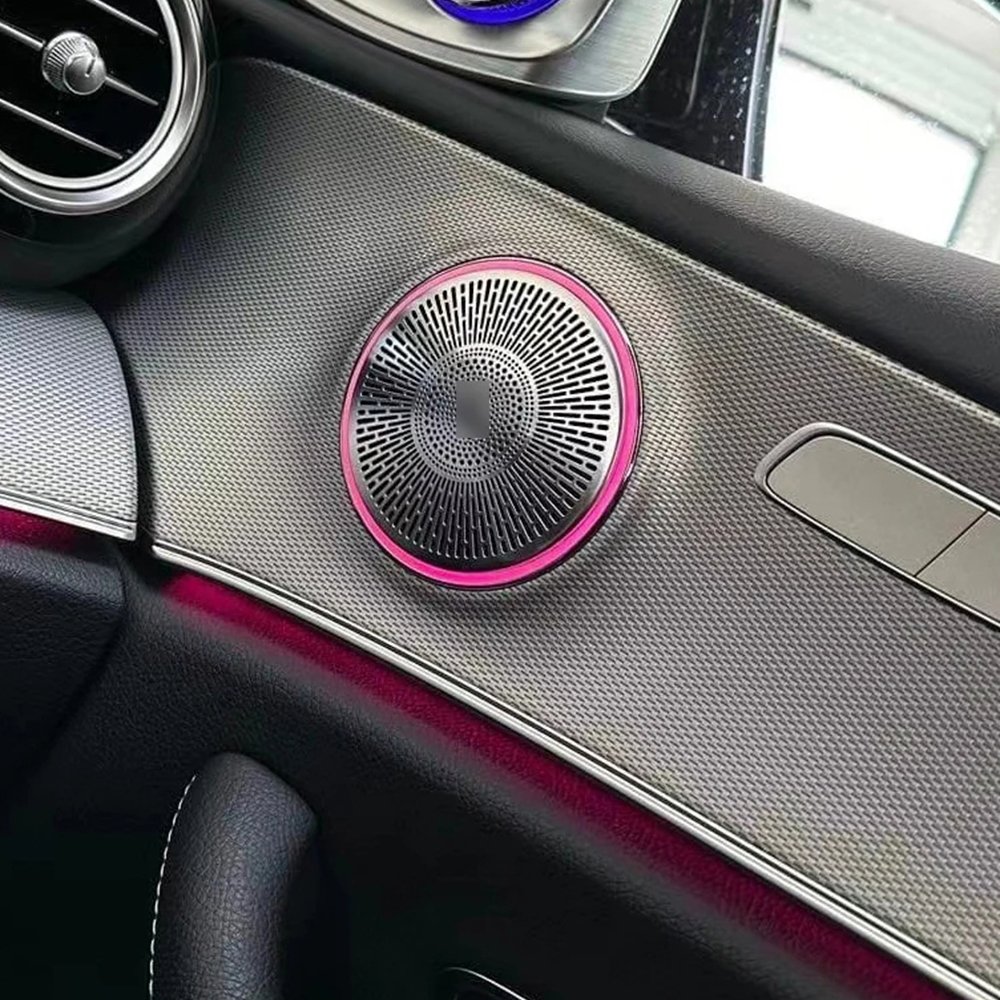
Upgrade your Mercedes-Benz C-Class W205 or GLC X253 with OEM-style Ambient LED Midrange Speaker Covers and bring a premium luxury atmosphere to your interior. This installation guide will walk you through the process step by step, helping you replace the original speaker covers with integrated ambient LED versions for a seamless factory-style appearance.
Please read the guide completely before beginning the installation. Verify that your vehicle is compatible and that you have all required components and tools ready.
With proper installation and coding, the Ambient LED Speaker Covers will integrate seamlessly with your vehicle, delivering a refined OEM-inspired appearance and an enhanced driving experience.
Congratulations! You have successfully installed your Ambient LED Midrange Speaker Covers.
After completing the installation, make sure all connectors are securely connected and every lighting function operates correctly. If your vehicle requires it, perform the necessary OBD coding to activate the 64-color Ambient Light menu on the original Mercedes-Benz infotainment screen.
We hope this upgrade enhances your driving experience with a more luxurious OEM-style interior and beautiful ambient lighting.
Thank you for choosing XTRABIMMER. If you have any questions or need technical support, please don't hesitate to contact us. Enjoy your new ambient lighting upgrade!