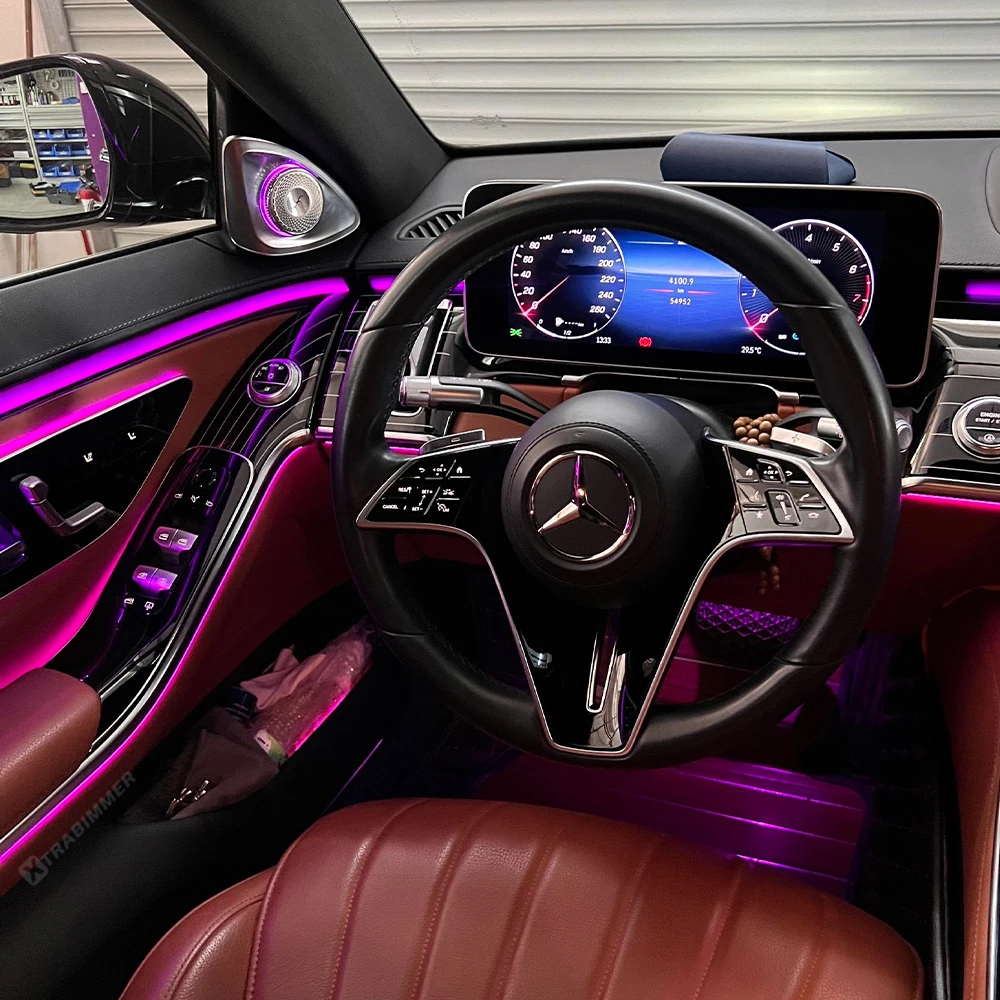
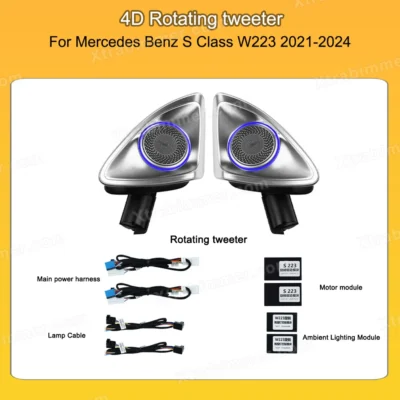
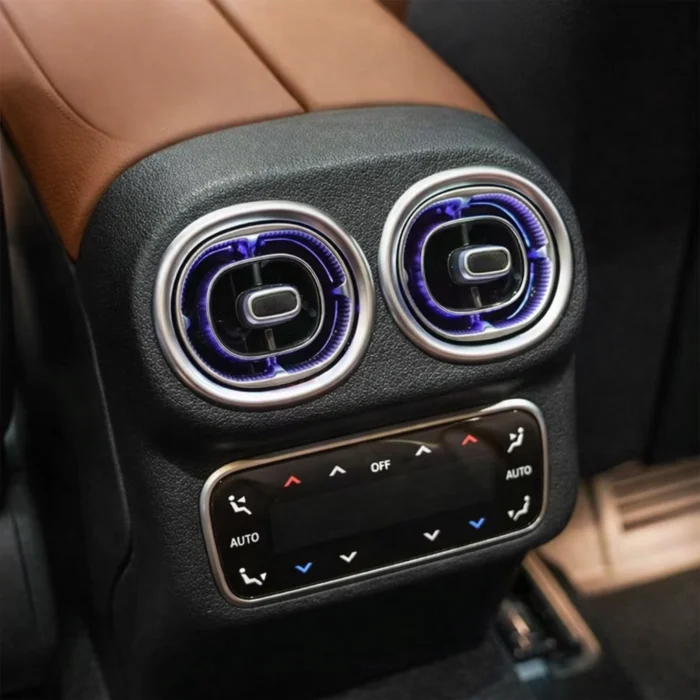
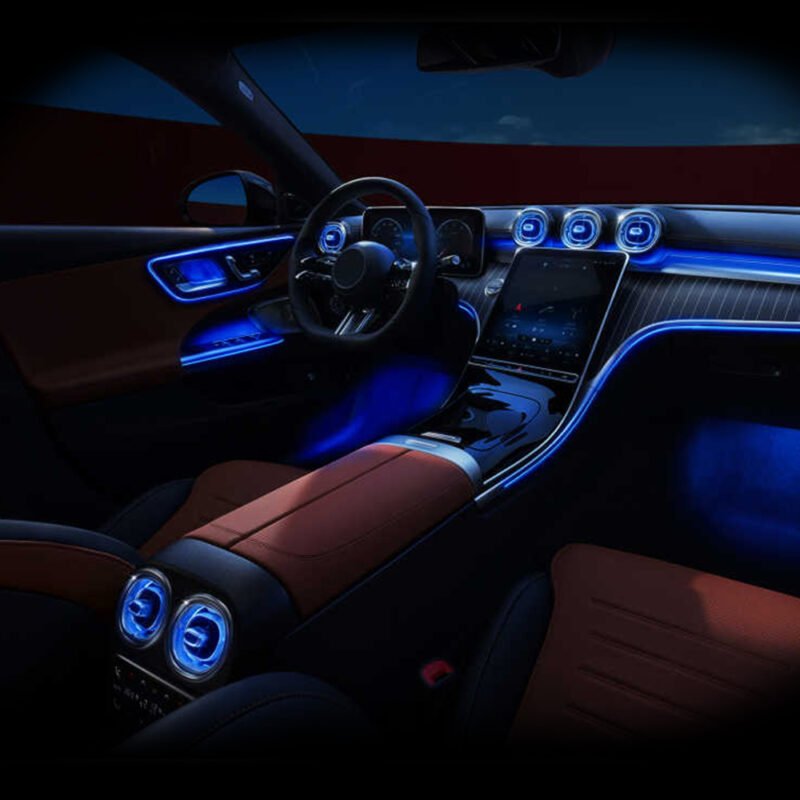
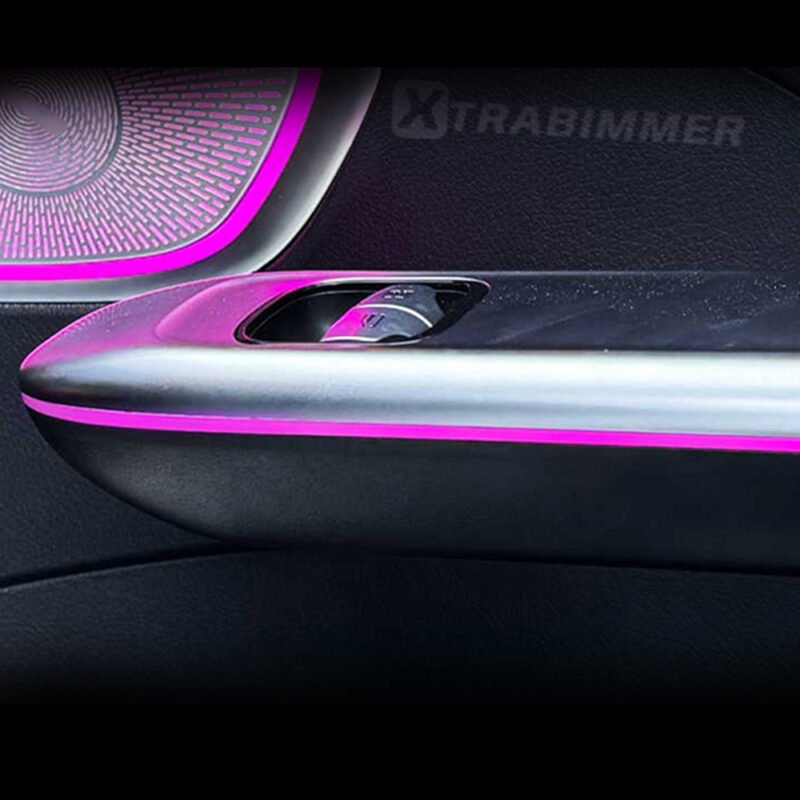
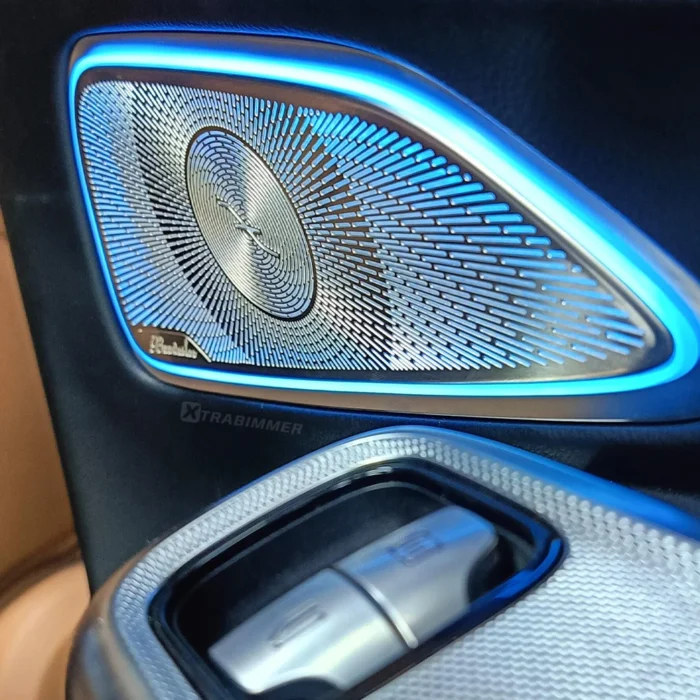
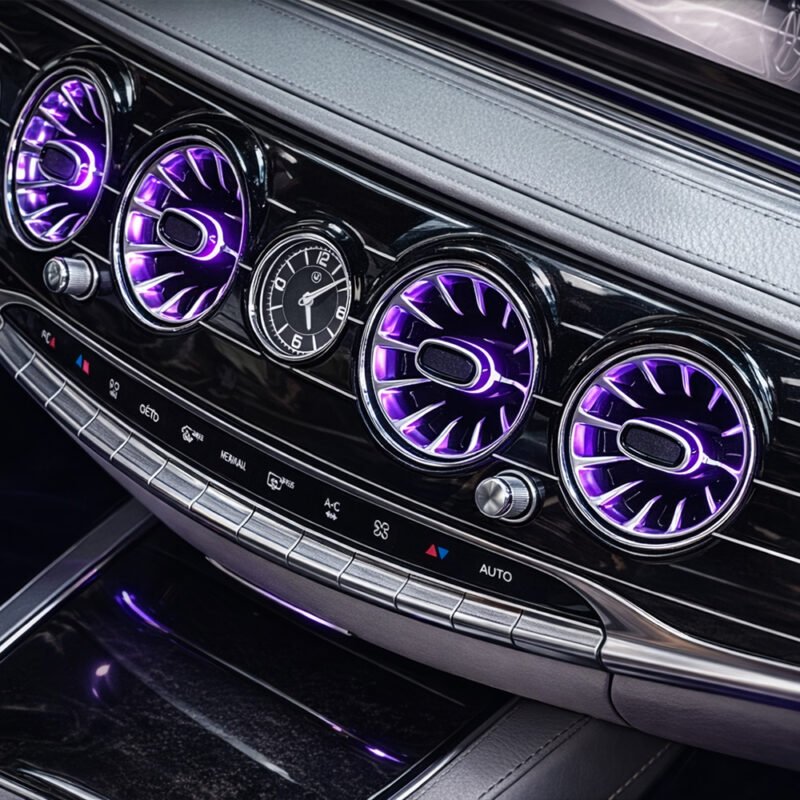
This guide will walk you through upgrading your factory W223 plastic tweeter covers to high-end 4D Rotating Tweeters, featuring 64-color ambient lighting synchronization and automatic rotation upon ignition.
I. Preparation & Tools Required
Before beginning the installation, ensure you have the following tools ready to ensure a safe and clean retrofit process:
T30 T20 Torx Screwdrivers: Used to remove the internal safety screws securing the door panel and the original tweeter housing.
Plastic Trim Removal Wedges (Pry Tools): Essential for popping clips and removing delicate trim pieces without scratching or damaging the leather/interior surfaces.
Insulating Tape (Electrical Tape) / Fleece Tape: For securing wire harnesses and preventing rattles (NVH) or short circuits.
Utility Knife or Small Scissors: Used for trimming tape or opening wire loom packaging where necessary.
II. Door Panel Removal
Follow these steps to safely remove the door card and access the tweeter housing:
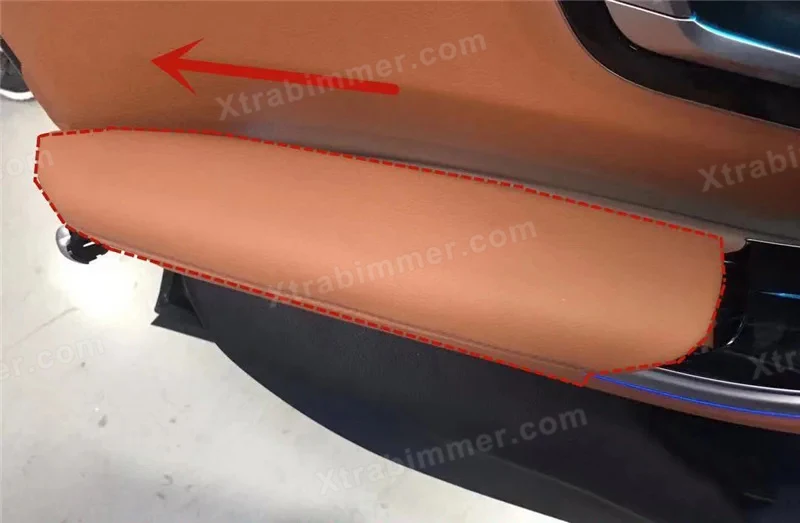
Remove the Trim Strip: Carefully insert a plastic pry tool at the front edge of the door panel (near the A-pillar). Gently pry outward to release the metal clips securing the interior decorative trim.
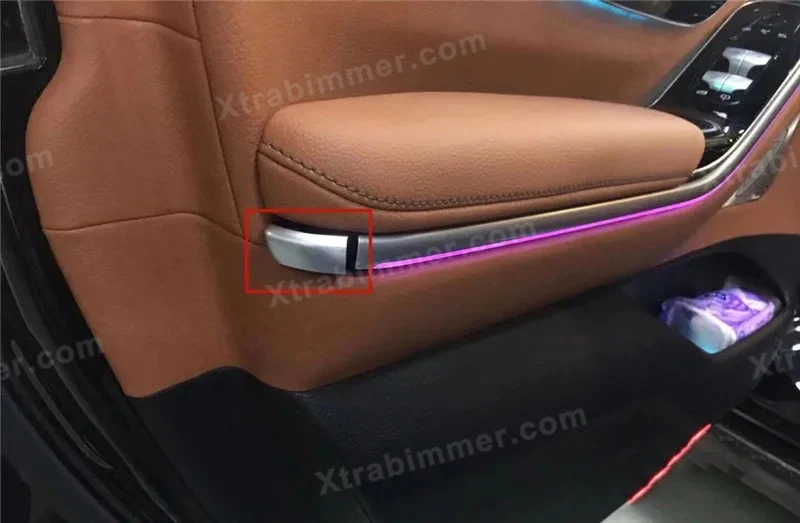
Remove Hidden Screws: Locate the 2–3 T30/T20 Torx screws typically hidden behind the door handle cover and under the armrest. Unscrew and remove them completely.
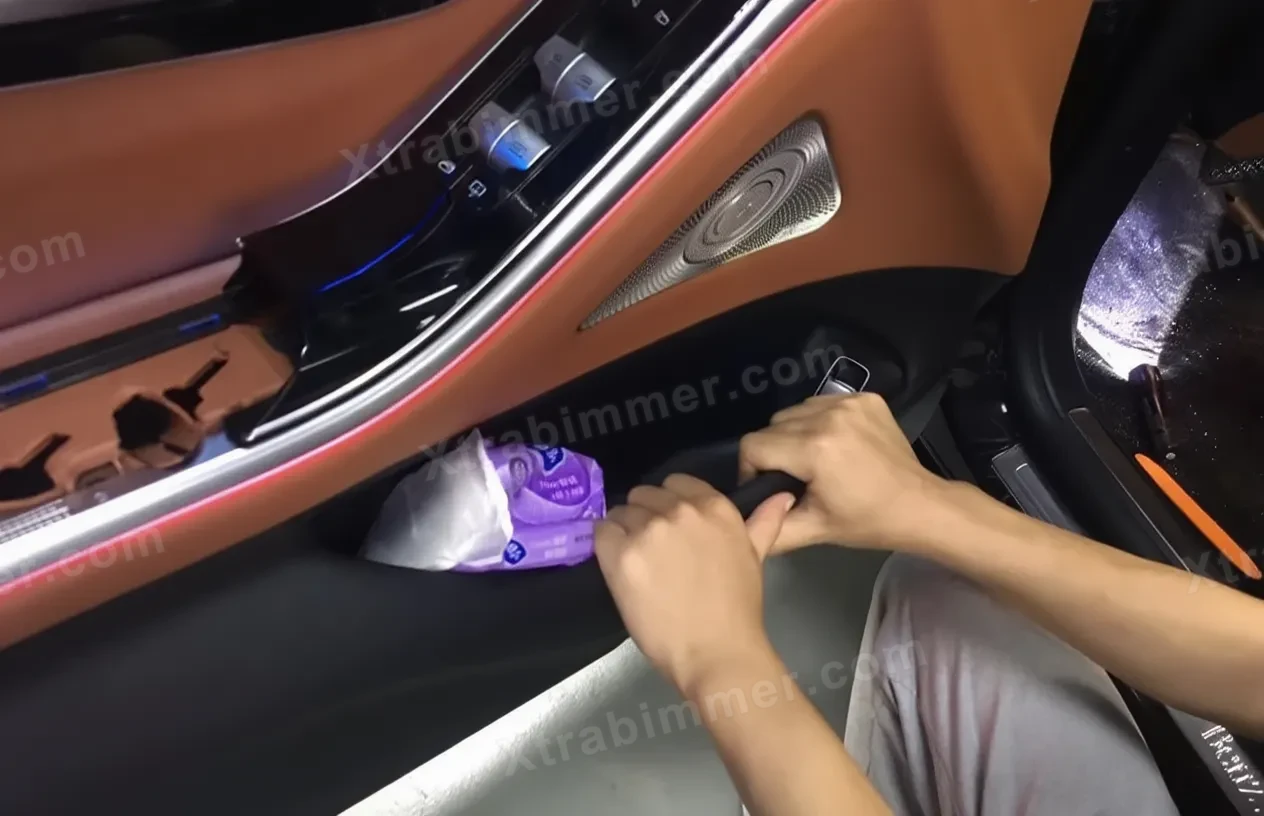
Detach the Door Panel: Starting from the bottom edge of the door, apply firm and even pressure to pull the panel away from the frame until all plastic retaining clips are disengaged.
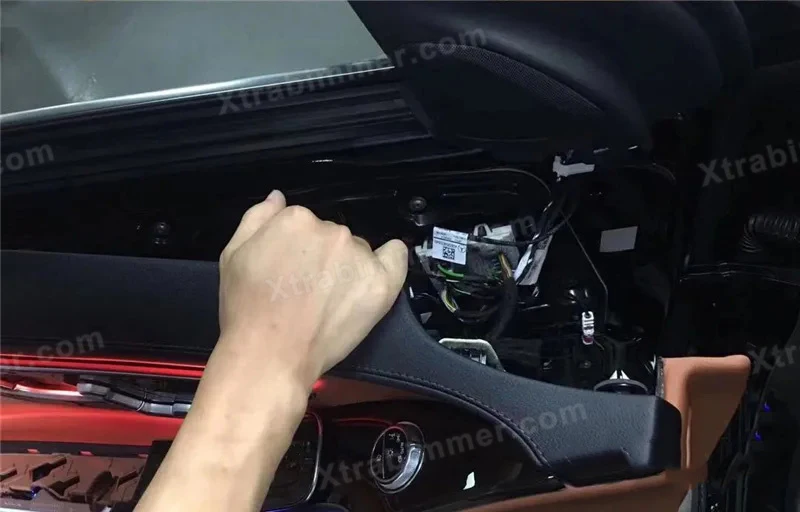
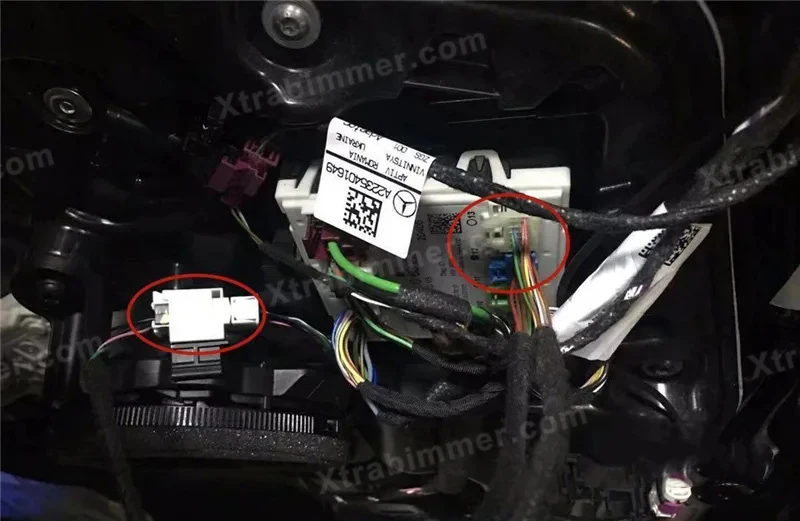
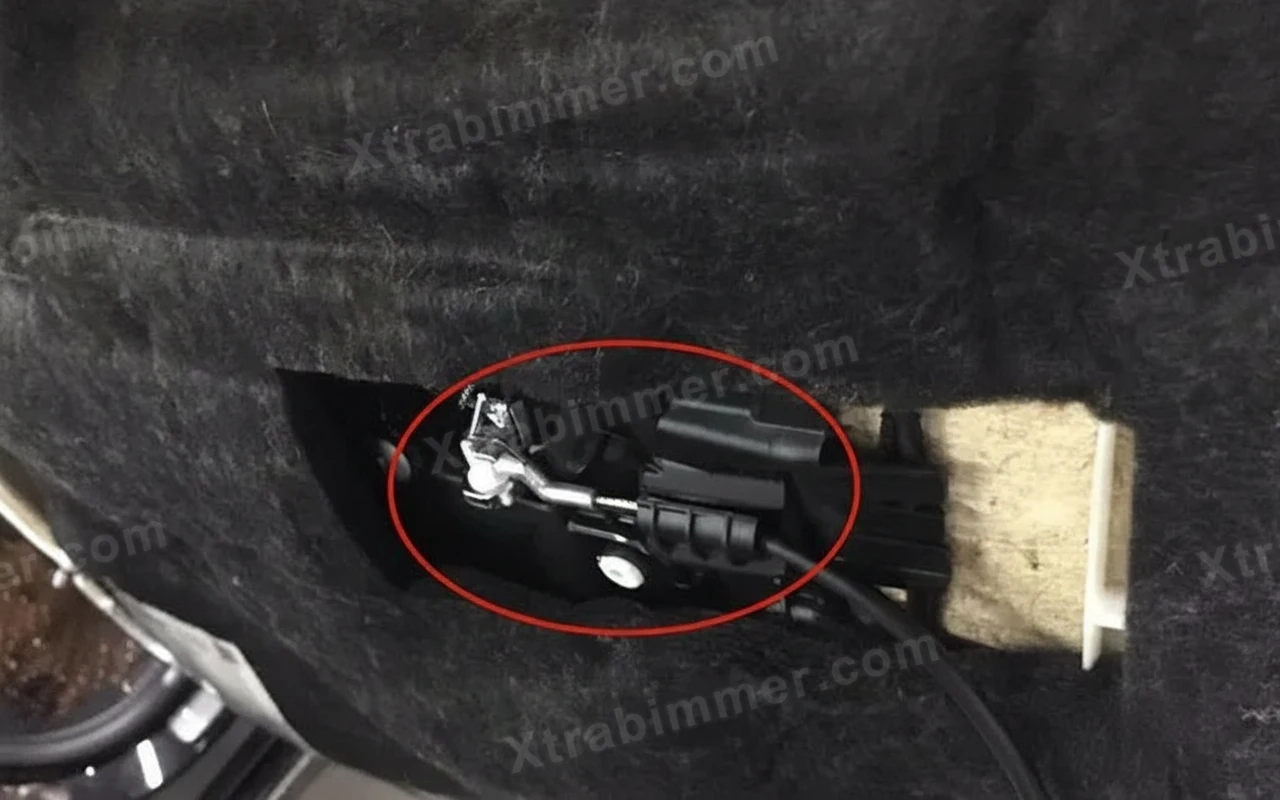
Disconnect Connectors: Carefully lift the door panel slightly. Disconnect the mechanical door release cable and unplug all color-coded electrical connectors from the Door Control Module.
III. 4D Rotating Tweeter Installation
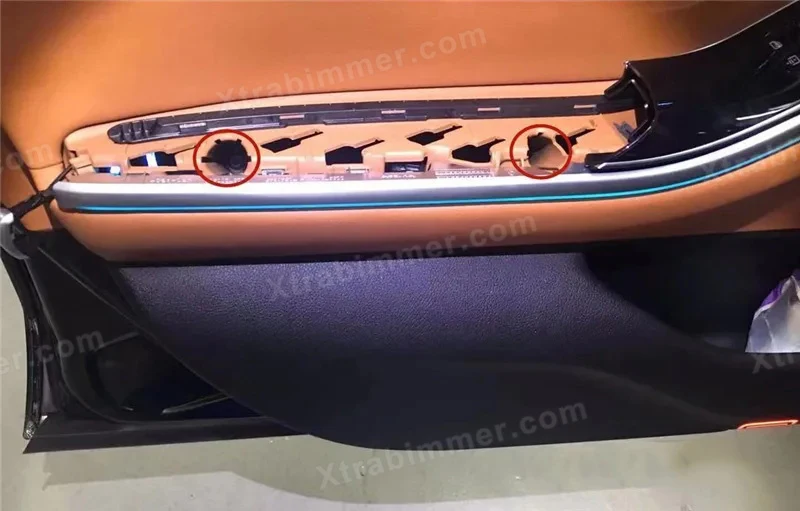
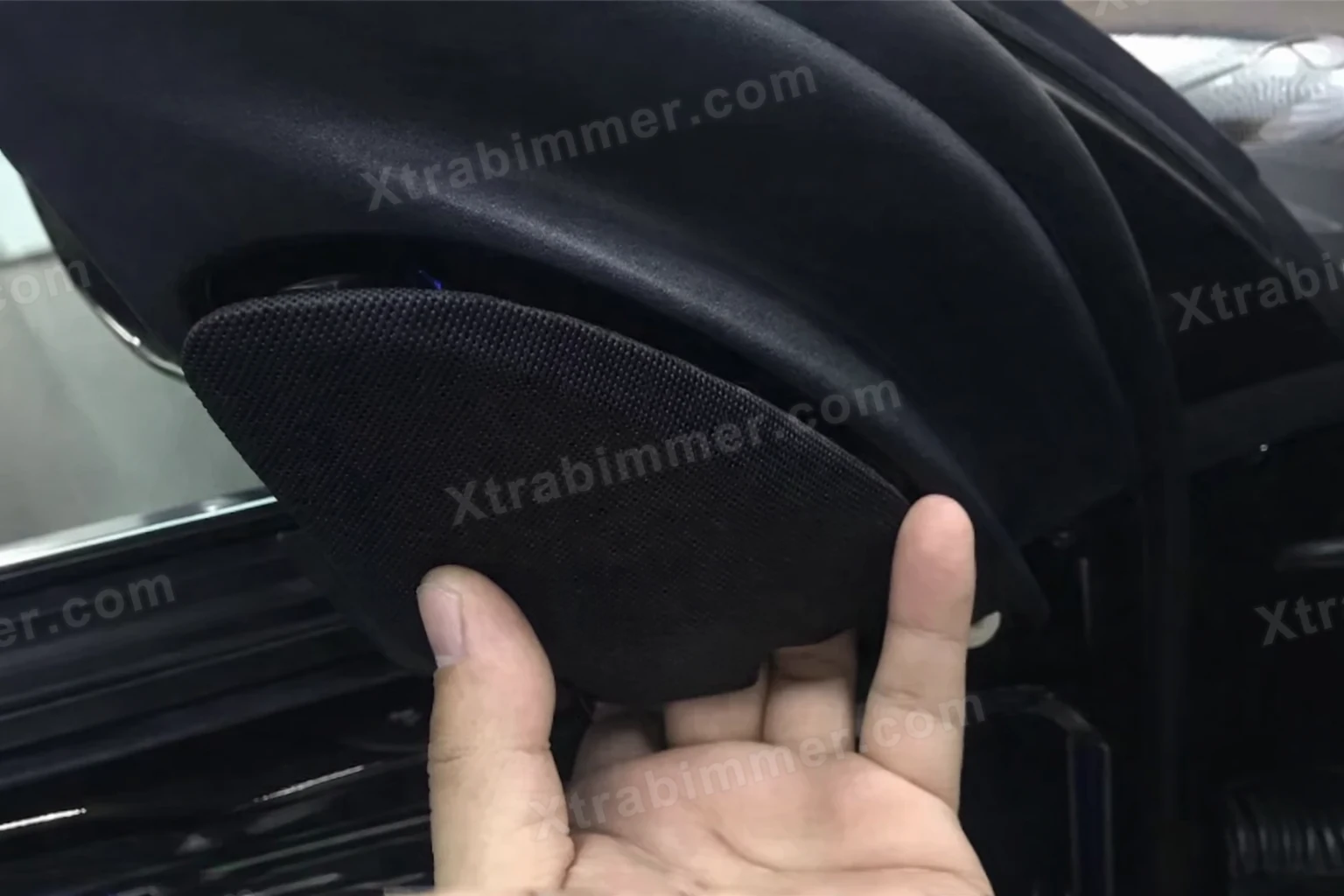
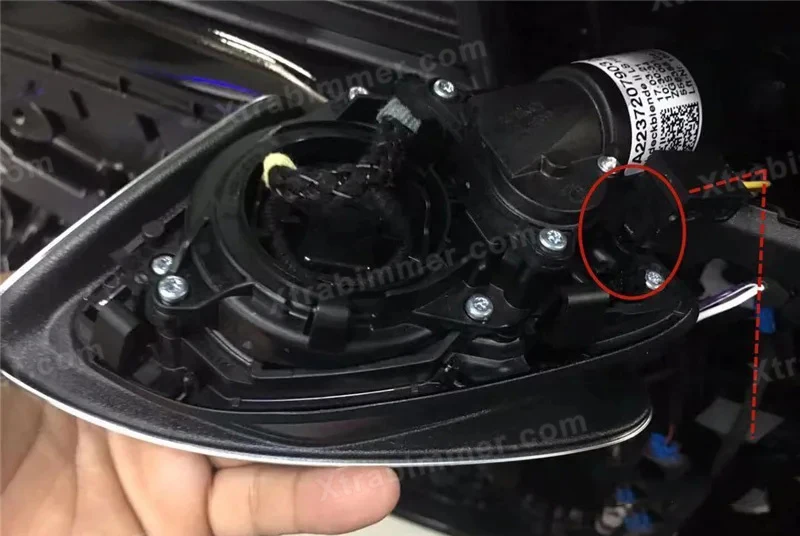
Remove the Factory Tweeter Cover: On the back of the door panel, unscrew the fasteners holding the original tweeter cover in place. Carefully remove the stock stationary tweeter unit.
Mount the 4D Tweeter: Place the 4D Rotating Tweeter into the designated slot. W223 upgrade kits are typically designed with OEM-fit clips; align the unit and secure it using the original factory screws.
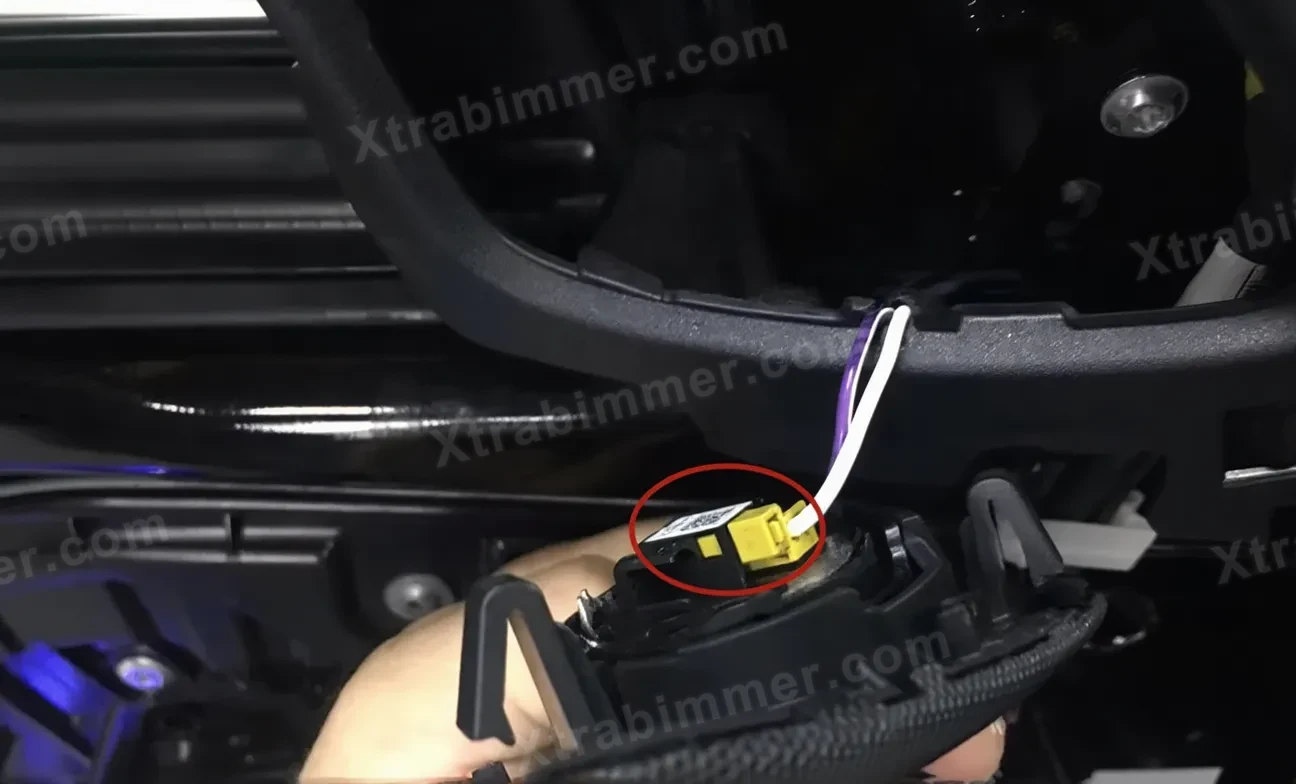
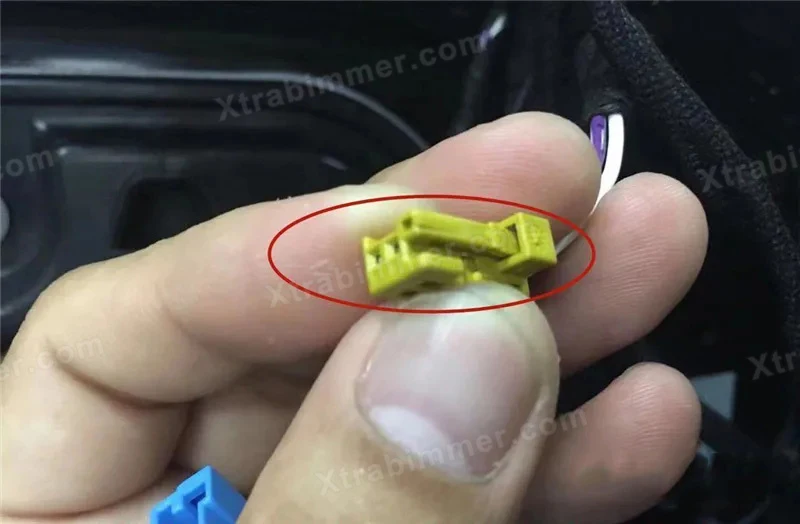
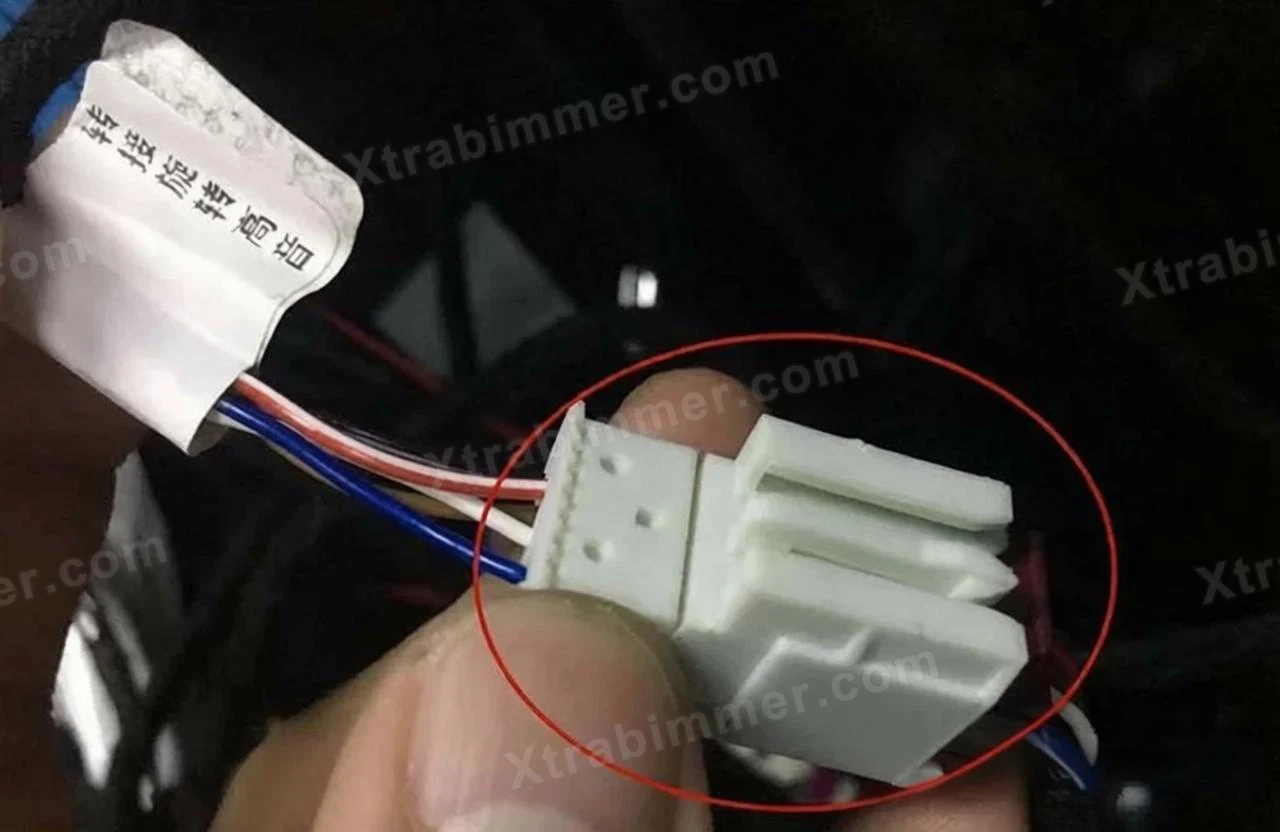
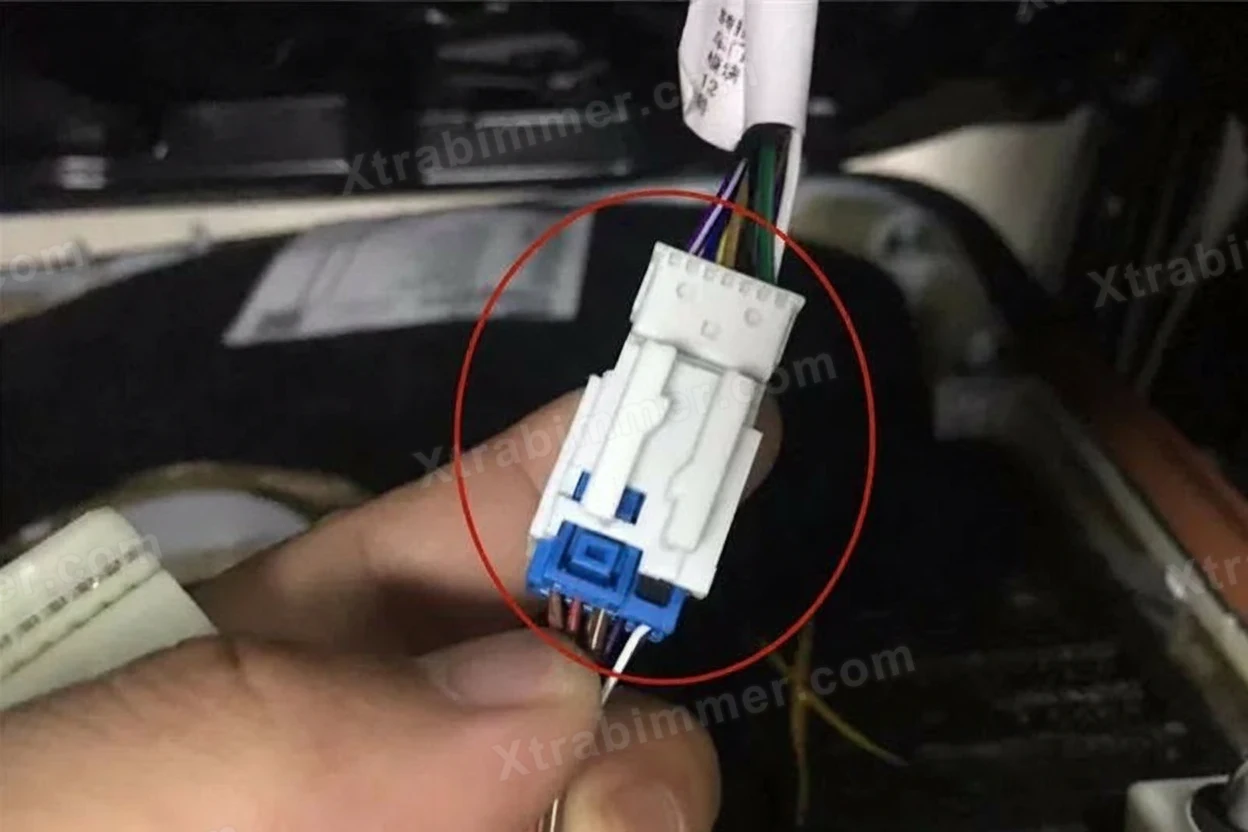
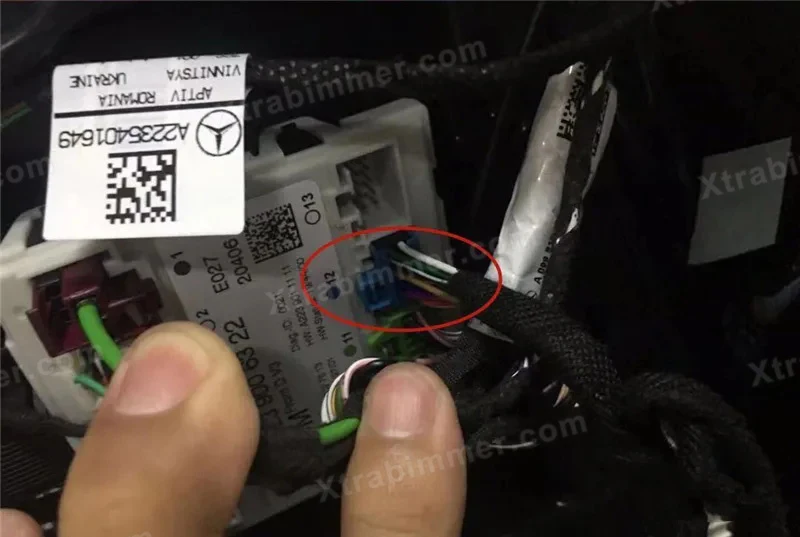
Wiring and Connection: * Connect the 4D tweeter’s dedicated wiring harness to the vehicle's original tweeter signal connector.
Plug the ambient light synchronization connector into the reserved slot on the vehicle's Door Ambient Light Module. (This is a Plug & Play design that requires no wire cutting or splicing).
-
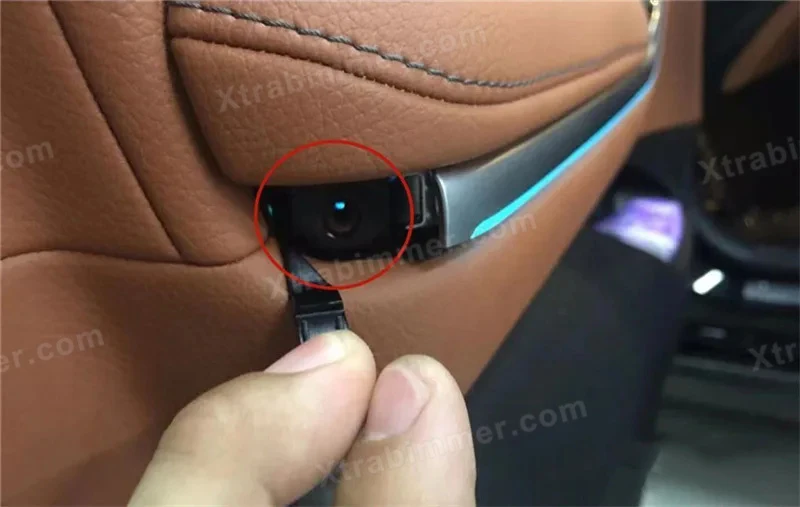
- 13, Connect original tweeter socket to product audio socket (if original socket is too big, then cut a little to fit)_webp
-
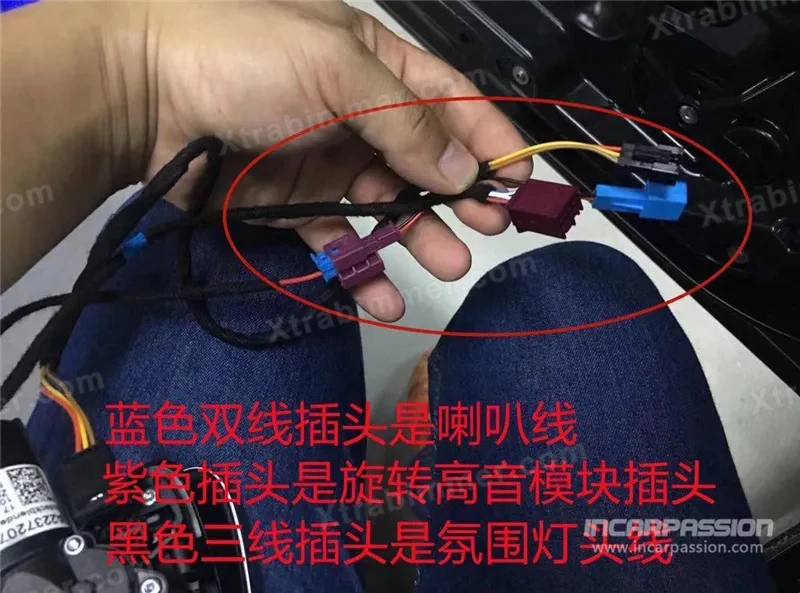
- 14, Product blue socket is speaker cable, purple socket is 4d tweeter module socket, black socket is ambient light socket_webp,The blue two-wire plug is for the speaker wire; the purple plug is for the rotating tweeter module; and the black three-wire plug is for the ambient light.
IV. Testing & Reassembly
Power-On Test: Before fully reassembling the door panel, reconnect the door module and switch on the vehicle’s ignition.
Rotation Check: Turn on the audio system or start the engine to confirm the tweeter rotates out smoothly and retracts without obstruction.
Lighting Check: Change the ambient light colors via the MBUX screen to verify that the tweeter lighting synchronizes perfectly with the rest of the cabin.
Cable Management: Use insulating tape or zip ties to secure any excess wiring. Proper cable management is essential to prevent rattles or wind noise (NVH) while driving.
Reinstall the Door Panel: Follow the removal steps in reverse order. Ensure all plastic clips are snapped firmly into place before tightening the hidden screws.
💡 Pro-Tips
No Coding Required: Most mainstream W223 4D tweeter kits are Plug & Play (No Coding). They feature a built-in protocol box that automatically detects the original vehicle LIN Bus signals.
Silent Motor Operation: During installation, ensure no wires are pressing against the rotating mechanism. Any pressure on the moving parts can cause mechanical noise or potential motor damage.
Color Sync Issues: If the tweeter color does not match the door lights immediately, try toggling the "Multi-color" mode off and on within the MBUX lighting settings to reset the synchronization.


Audi
BMW
Mercedes Benz
Volkswagen
Toyota
Tesla
BMW